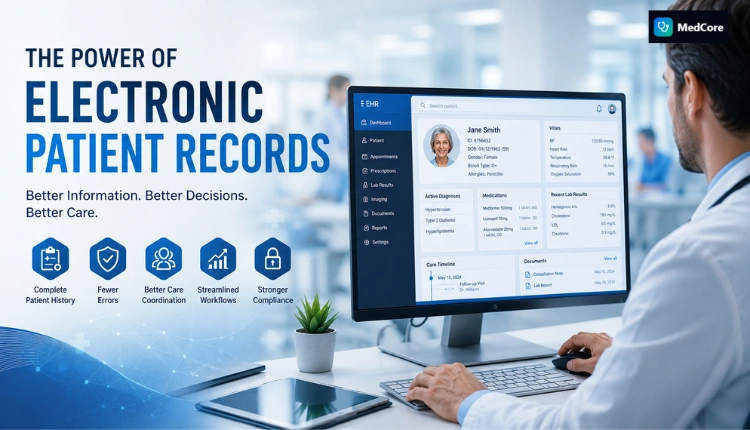

Eighty percent of Indian healthcare facilities still run on fragmented workflows (Source: MedCore Stats, 2026). The fix is not a token printer; it’s an integrated, specialty-aware, real-time system that unifies scheduling, triage, tokens, referrals, and patient messaging across every branch. In 2026, if your opd queue management and appointment scheduling live in separate tools, the queues will run you.
As someone who has stood at the OPD desk at 10:30 a.m. watching tokens jump and doctors glare, I’ll be direct. You need slot templates that reflect specialty math, a live queue that tells patients the truth, and one layer that handles both bookings and walk-ins. Moreover, you need referrals to auto-queue downstream departments without asking reception to “adjust the token.
For deeper playbooks by footprint, see this practical guide for mid-size facilities, which lays groundwork you can scale: How to Set Up OPD Queue Management and Appointment Scheduling for Mid-Size Hospitals. In addition, if you operate satellites and feeder clinics, this clinic-focused primer helps you calibrate slot types before you roll up data chain-wide: Best OPD Queue Management & Appointment Scheduling for Small Clinics in India, 2026.
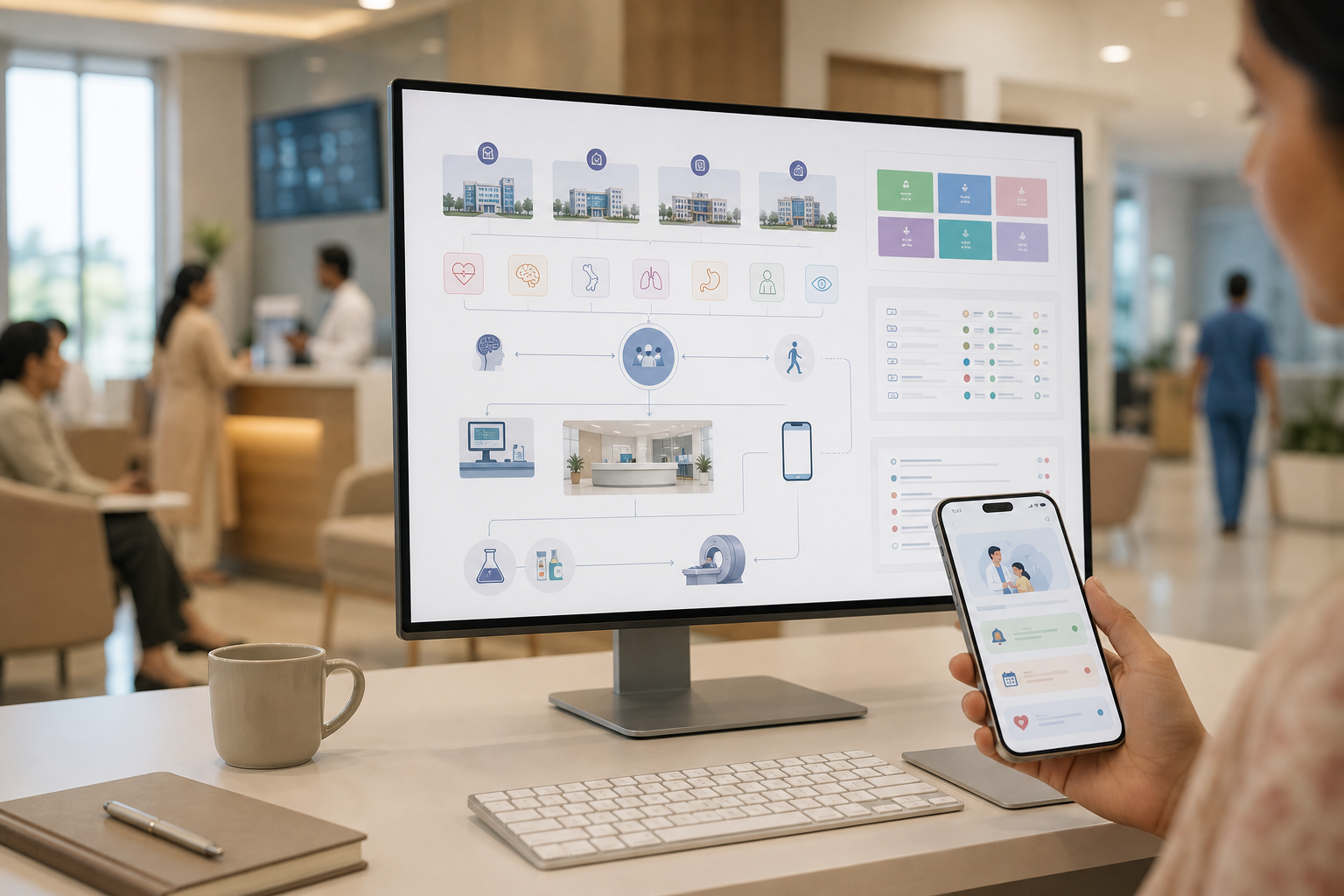
Why OPD Queue Management Breaks Down in Multi-Specialty Hospital Chains
The core scheduling problem in chains is compounding variability. Dermatology follow-ups average about 8 minutes while orthopaedics new visits run closer to 18. Yet, many tools hard-code 15-minute slots for every department. As a result, orthopaedics backlogs by noon while dermatology sits idle between no-shows.
However, slot length is only one variable. Cross-department referrals inside the same visit blow up any rigid queue. A cardiology consult that orders an echo and then a pulmonology opinion changes the day’s sequence in three departments. Therefore, if your software cannot re-sequence tokens across departments in real time, staff will do “manual favors,” and fairness goes out the window.
Moreover, multi-branch chains add a third layer of complexity: standardization vs. local reality. Consider a 5-branch network. Branch A sees 200 OPD patients a day; Branch D sees 60.
Yet both run the same rigid first-come-first-served token logic. Consequently, Branch A melts down at peak times while Branch D underutilizes doctors. The system looks uniform on paper but yields unequal outcomes in practice.
The three compounding problems
- Specialty-specific durations create unpredictable slot lengths. One-size slots either waste doctor time or push backlogs late into the day.
- Same-visit referrals cascade across queues. Manual re-slotting at reception compounds delays and patient frustration.
- Cross-branch standardization ignores local volume and staffing. Identical rules in unequal branches create chronic imbalance.
For reference, queuing basics explain why uniform slots misfire under variable service times: see queuing theory. In live OPD, that math collides with human behavior. Patients tolerate waits when they can see progress; they complain when the queue “jumps.” Therefore, your fix must be more than a token machine; it needs scheduling, triage, real-time displays, and clear patient communication working as one layer.
“Our OPD wait time dropped from 40 minutes to 12. The live token display alone was worth the switch.” — Dr. Meera Rao, Medical Director, Asha Hospital
Finally, remember the baseline: 80% of facilities still run fragmented (Source: MedCore Stats, 2026). Integrating the OPD layer is the single highest-yield change you can make this year.
Also Read!
Best OPD Queue Management & Appointment Scheduling for Multi-Specialty Hospital Chains in 2026
Step-by-Step Framework: Building an OPD Queue System That Scales Across Branches
You need a plan built for chains, not a single desk. The following seven steps have worked in networks handling 150+ OPD patients per day with mixed specialties. Use them in sequence so you don’t “optimize” one counter while breaking another. I’ll reference opd queue management and appointment scheduling directly so your team can map software requirements.
Step 1: Audit current flow per specialty per branch
Start with data, not anecdotes.
- Average consultation time split by new
- No-show and late-arrival rates
- Peak-hour arrivals by 30-minute blocks
- Cross-department referrals per patient and their destinations
Create a simple template:
- Column A: Branch
- Column B: Specialty
- Columns C–F: Avg minutes (new, follow-up), Std. dev.
- Columns G–H: No-show %, Late-arrival %
- Columns I–L: Peak-hour arrivals (9:00, 9:30, …)
- Columns M–O: Referral counts (Lab, Imaging, Other OPD)
As a result, you’ll see where uniform slots fail and where referrals overwhelm downstream rooms.
Step 2: Design specialty-aware slot templates
Replace the flat “15-minute slot” with profiles per specialty and visit type:
- Ophthalmology: 10 min follow-up / 25 min new
- Orthopaedics: 12 min follow-up / 20 min new
- Dermatology: 8 min follow-up / 15 min new
- ENT: 10 min follow-up / 18 min new
Additionally, cap the number of “new” slots per hour for long-consult specialties, and place them away from peak walk-in windows. Therefore, the day absorbs variability without punishing everyone behind a complex case.
Step 3: Unify online bookings and walk-ins
In India, a large share of OPD traffic arrives unscheduled. If your system treats walk-ins as a manual side-queue, front-desk staff will play traffic cop between two versions of the truth.
- Captures online bookings with visit type and reason
- Registers walk-ins into the same queue with stated symptoms
- Assigns both a live token and an estimated time to doctor
This hybrid is non-negotiable. Otherwise, your KPIs will always lie about true wait times.
Step 4: Show real-time tokens with honest ETAs
Transparency defuses frustration. Use digital signage in waiting areas and push updates via SMS/WhatsApp and your patient app. Furthermore, send status nudges when a patient is two tokens away. Psychology matters: perceived wait shrinks when people can see movement and an ETA.
- Real-time OPD queue with token displays and vulnerability flagging helps staff prioritize seniors or high-risk patients.
- WhatsApp reminders (DLT) and SMS confirmations reduce “Did the doctor arrive?” calls.
- A patient app with live queue, lab reports, prescription QR, and bill pay reduces front-desk load.
Specifically, this is where opd queue management and appointment scheduling meet patient communication. Honesty beats apologetic desk scripts.
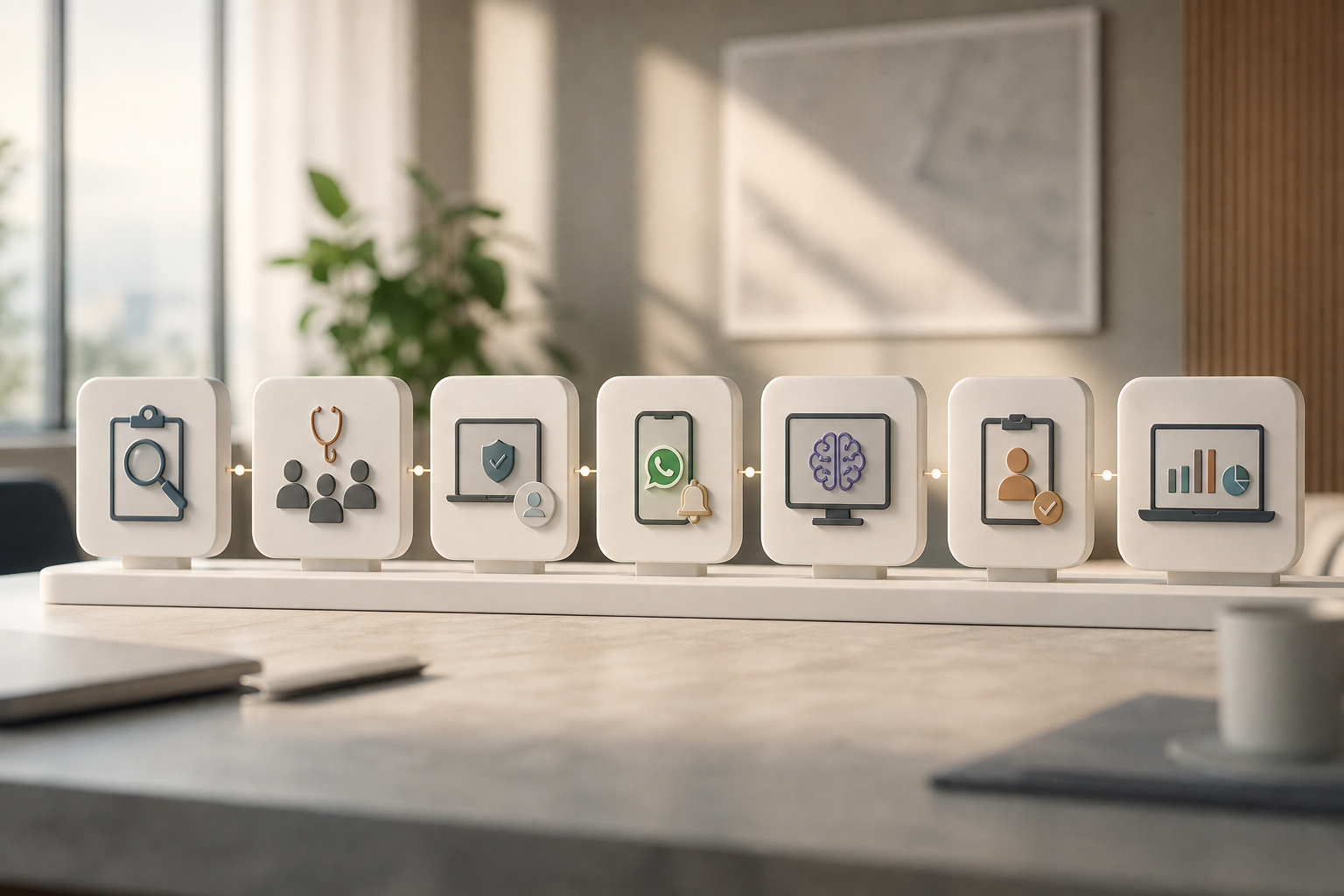
Step 5: Add AI-driven triage at intake
Route by symptoms, not guesswork. An intake triage that understands local language reduces misrouted patients and wasted slots.
- Symptom assessment in 10 Indian languages with SNOMED-anchored routing
- Suggested specialty and urgency tag pushed into the queue
- Alerts for red flags that should bypass routine OPD
Consequently, you reclaim doctor minutes that would have been spent on re-referrals.
Step 6: Build cross-department referral pathways
When Cardiology orders an echo or lab, the system should:
- Auto-create the radiology or lab order with priority
- Place the patient in the right downstream queue with a linked token
- Update the original specialty’s token to “awaiting results” or “return at [ETA]”
As a result, patients stop forming three separate lines in one visit. Your pharmacy and billing should see the same shared state so the post-consult handoff is instant.
Step 7: Centralize analytics and predictions across branches
Your operations head needs one dashboard, not five spreadsheets.
- Wait times and throughput per specialty per branch
- No-show and late arrival rates by slot type
- Cross-department referral volumes and cycle times
In addition, use a predictions agent for no-show scoring and pharmacy demand forecasts. If Pediatric follow-ups spike on Mondays, over-provision nurses and stock amoxicillin accordingly. With multi-branch analytics and an audit trail, you can spot bottlenecks before they become crises.
Finally, run a 30-day before/after on the pilot specialty: median wait, doctor idle minutes, and patient complaints. If the numbers move, scale. If not, adjust your slot profiles and walk-in buffers, then re-measure.
5 Mistakes Multi-Specialty Chains Make With OPD Queue Systems
Chains share the same scars. I’ve made several of these calls myself. Use this list as a quick “do different” checklist while you redesign opd queue management and appointment scheduling.
Mistake 1: Treating all specialties the same
Uniform 15-minute slots across Cardiology, Dermatology, and ENT cause either idle doctors or rolling delays. Instead, create per-specialty, per-visit slot templates and cap long “new” visits during walk-in surges. Moreover, review variance monthly and adjust.
Mistake 2: Ignoring walk-ins in the digital system
Running online bookings in software and walk-ins on paper creates two truths. Front desks then “merge” queues under stress. Instead, register walk-ins in the same digital layer and show every patient one live token and ETA.
Mistake 3: Deploying tokens without patient communication
A token without an ETA sparks the “How much longer?” chorus. Instead, show live queue progress on screens and send mobile updates when patients are near. Furthermore, send delays proactively so people can grab water without fear of losing place.
Mistake 4: Not connecting OPD to downstream departments
If your OPD queue doesn’t talk to lab, imaging, pharmacy, or billing, patients will queue three times in one visit. Instead, run a single tenant-scoped EHR with shared state across billing, lab, and pharmacy, so orders, results, and invoices flow without exports. Realtime OPD queue management and emergency triage should be part of the same platform, not bolt-ons.
Mistake 5: Rolling out a centralized system without local tuning
Chains love uniformity. But your 20-specialty flagship needs different rules than a 3-specialty satellite. Instead, standardize the core logic (slot profiles, tokens, messages) while allowing branch-level parameters (walk-in buffer size, peak-hour caps, referral priorities).
“Our OPD wait time dropped from 40 minutes to 12. The live token display alone was worth the switch.” — Dr. Meera Rao, Medical Director, Asha Hospital
As a side note on compliance and trust: ensure your vendor meets DPDP Act 2023 requirements and supports India data residency and DLT-compliant SMS. Security is not a “Phase 2” item; it’s table stakes for 2026.
Also Read!
How to Set Up Lab, Pharmacy, and Blood Bank Management for Medical Tourism Hospitals in India
How to Choose and Implement Lab, Pharmacy, and Radiology Management for Mid-Size Hospitals
Tools and Platforms for OPD Queue Management in Hospital Chains
You can solve this with hardware, HIS modules, AI-native suites, or a build. The right choice depends on integration depth, hybrid flows, analytics, patient comms, and pricing model. Evaluate each option against walk-in + online support, multi-branch dashboards, and whether messaging (SMS/WhatsApp) sits inside the same system as the queue.
Category 1: Standalone queue/token hardware (e.g., Qmatic, Wavetec)
These excel at ticket dispensing and digital signage. However, they rarely integrate tightly with scheduling or EHR.
- Pros: Fast to deploy; visible impact at reception; reliable screens.
- Cons: Weak in specialty-aware slots, AI triage, or referrals; data lives outside clinical systems.
Category 2: HIS with built-in OPD modules (e.g., Practo Ray for clinics, Bahmni for public hospitals)
These offer appointment books and basic queues tied to patient records. However, real-time queue intelligence and AI triage are limited.
- Pros: One vendor for clinical + billing; EHR linkage; decent for single-site.
- Cons: Limited hybrid walk-in logic; fewer patient-facing comms; analytics at branch level rather than network level.
Category 3: AI-native healthcare management systems
Tools like MedCore combine real-time OPD queuing, AI-driven triage in 8 Indian languages, online + walk-in appointments, and cross-department coordination in one platform. Flat per-month pricing without per-bed or per-user fees helps chains avoid ballooning costs.
- Pros: Integrated workflows and unified EHR; multi-branch analytics; WhatsApp reminders (DLT); branded Android/iOS app for patients with live tokens and lab reports.
- Cons: Requires change management; success depends on good slot templates and triage tuning in week one.
Category 4: Custom-built solutions
Large chains sometimes build in-house. This brings full control and fit to local quirks but demands engineering depth.
- Pros: Maximum customization; deep EHR/billing integration as designed.
- Cons: 12–18 months to ship; ongoing maintenance; risk of partial features vs. evolving needs.
As you compare, weigh five factors: (a) integration depth with EHR and billing, (b) support for hybrid flows, (c) network-wide analytics, (d) patient communication across app, WhatsApp, and SMS, and (e) pricing model. Additionally, pressure-test vendors with a same-visit referral scenario. For context on variants by hospital size, you can study this 2026 mid-size analysis: Best OPD Queue Management & Appointment Scheduling for Mid-Size Hospitals in 2026. And if your chain handles medical tourists, this playbook covers cross-language and long-stay needs: How to Set Up OPD Queue Management and Appointment Scheduling for Medical Tourism Hospitals in India.
Key Takeaways and What to Do This Week
- An integrated, specialty-aware system beats token-only fixes. Tie scheduling, triage, tokens, referrals, and messages into one layer.
- Walk-ins must live in the same queue as online bookings, with honest ETAs on screens and phones.
- Build slot templates per specialty and visit type; cap long new visits near walk-in peaks.
- Auto-queue cross-department referrals and share state with lab, imaging, pharmacy, and billing.
- Use network-wide analytics and predictions to fix bottlenecks before they erupt.
This week’s action plan:
-
Pick your highest-volume branch and your lowest-volume branch. Audit one full day at both: actual consultation minutes per specialty, walk-in vs. booked counts, and cross-department referrals per patient. 2) Calculate average wait time per specialty using: total patient hours in waiting area ÷ total patients seen.
-
Identify your top three bottleneck specialties. Pilot your new slot templates and live queue there first. 4) Request demos from 2–3 vendors and run this test: a walk-in who must see two specialties and get a lab test in one visit. Watch how the system handles the full journey, including ETAs and auto-referrals.
You don’t have to fix the chain at once. Start with one branch, one specialty, measure, and then scale what works.
Security note: Confirm DPDP Act 2023 compliance, FHIR R4/HL7 support, India data residency, and DLT-compliant SMS before you sign.