
OPD queue management and appointment scheduling are now the backbone of a predictable OPD day for small Indian clinics, and you can test-drive tools fast: Book a free demo today →. This article, though, stays with your reality as a small Indian clinic in 2026.
Why OPD Queue Chaos Costs Your Clinic More Than You Think
Your clinic’s OPD is a two-hour window where most of your day’s revenue lands. Yet 80% of facilities run on fragmented workflows, which breaks that window into bottlenecks. In a single-doctor clinic handling 50 patients in three hours, a five-minute delay that repeats ten times pushes your end time by almost an hour. Patients feel it first, but so does your cash flow.
Moreover, unmanaged waiting leads to walkaways and missed follow-ups. A parent who leaves after 20 minutes without a clear ETA may not call back. That is revenue leakage you never see in a report. Worse, a few two-star reviews about “long wait” can drag your Google listing down, hurting new patient calls.
Common signs your queue system is breaking
When a queue is slipping into disorder, you’ll usually notice the same patterns repeat throughout the session. Patients crowd the reception desk repeatedly to ask, “Kitna time lagega?” and peep into the consultation room to check their turn. The doctor’s schedule starts showing idle gaps followed by sudden surges, which creates a sense of hurry and frustration in back-to-back consults. Front-desk teams end up “manually” resequencing names on slips or in WhatsApp, trying to calm tempers in real time. If you are seeing more than three walkaways in a session or frequent rescheduling requests, your queue is crying out for structure.
A proper system isn’t “software for software’s sake.” It provides token generation for every arrival with sensible sequence control and prevents queue-jumping without creating hostility. It also makes estimated wait times visible on a TV/monitor and on the patient’s phone, which instantly reduces desk queries and anxiety in the room. The same system blends slot-based bookings with walk-ins in a simple hybrid model, so you don’t lose speed during peak hours. And, critically, it sends automated, DLT-compliant reminders via SMS/WhatsApp so fewer patients forget to turn up.
Specifically, the queue shows where a patient stands, not just a number on a paper slip. The estimate moves in real time as each consult starts and ends. Walk-ins slot in based on written rules, not gut feel. And reminders reduce no-shows, which helps both your time and your bottom line.
“Our OPD wait time dropped from 40 minutes to 12. The live token display alone was worth the switch.” — Dr. Meera Rao, Medical Director, Asha Hospital
In fact, I’ve met clinics that tried a WhatsApp group for tokens or an Excel sheet for bookings. Those hacks work for a week or two, then hit a ceiling. As volume grows, manual edits break, and staff slip back to shouting out names.
By contrast, a real-time queue with token displays and simple merging rules keeps pace as your clinic scales. Remember, 75% of the market is still underserved by existing tech, so you are not late. You’re early for your neighborhood.
What the system does in practice
In everyday use, the system issues a token at reception in about 10 seconds, which keeps the line moving even during surges. A live position and ETA appear on the waiting-room screen and on the patient’s phone, so people can step out for a chai without fear of missing their turn. As booked slots reach their time, walk-ins are automatically blended in using your chosen merging rule, which keeps the flow steady. On top of that, WhatsApp/SMS reminders and “You’re next” nudges go out without your team having to remember, so the doctor gets a fuller schedule with fewer interruptions.
Also Read!
How to Handle Hospital Billing, Insurance Claims, and GST for Multi-Specialty Hospital Chains
Medical Tourism Hospital’s Guide to Hospital Billing, Insurance Claims, and GST in India
Step-by-Step: Setting Up OPD Queue Management and Appointment Scheduling
A simple seven-step rollout works for most small clinics. Keep it lean, document choices on paper first, and go live in phases.
- Step 1: Audit your current patient flow
Sit next to reception for one week. Count daily walk-ins vs. booked patients. – Note peak surge hours (e. , 6–7 pm).
Use a tally sheet in English plus a Hindi column so any staff member can fill it. – Time three sample consults per appointment type (follow-up, new, pediatrics, procedures). Record average and 90th percentile time. – Capture reasons for delay: late arrivals, lengthy counseling, billing queue, or investigations.
Before you touch a tool, start with observation. Your baseline data will guide slot durations, merging rules, and display messaging, so make it specific and practical. Include small, human details like how many times patients come back to the desk and what questions they ask; those insights drive quick wins on signage and language. At the end of the week, you will see predictable patterns that suggest where a queue display, a buffer slot, or better signage can shave minutes. That is the foundation for a smoother OPD without overwhelming your staff.
- Step 2: Define your scheduling model
- Choose hybrid scheduling. Keep 50–60% of capacity in bookable slots and leave 40–50% for walk-ins. Set slot types: 5 minutes for follow-ups, 10–15 for new consults, 20 for procedures. Write these on a laminated A4 at reception so staff follow the same rule.
- Examples of slot naming that staff understand: “F/U 5,” “New Adult 12,” “New Child 15,” “Proc 20.
- Add a daily “buffer” slot every 60–90 minutes to absorb overruns without derailing the queue.
Hybrid scheduling respects the reality that many Indian patients will simply walk in, even if an online slot exists. By explicitly reserving some capacity for bookable slots and some for walk-ins, you create clarity without turning anyone away. Clear, short slot names that reception can recall under pressure prevent confusion at the counter and reduce on-the-spot improvisation. The buffer slot is your safety valve; it converts variability into predictability and keeps the doctor from rushing through longer cases. As your data settles, you can shrink or expand these slots to suit your specialty and neighborhood demand.
- Step 3: Set up digital token generation
Place a low-cost Android tablet at reception and a 32–43 inch TV/monitor in the waiting area. Use a stable broadband or 4G hotspot. If the internet drops, ensure the token counter can still run locally and sync later. Add Hindi or your local language on the patient-facing screen to cut questions at the desk.
Keep a small UPS or inverter backup for the token display so your queue doesn’t “vanish” during short power cuts. – Assign a clear prefix per doctor/room (e. , “DR1-023”) so multi-doctor OPDs don’t collide.
Treat token generation like a traffic light for your OPD: simple, visible, and trusted. Patients watch the TV far more closely than they listen for names, so a crisp screen with large fonts and regional language labels is your best ally. Internet hiccups and short power cuts are common; build for them with a UPS and offline tolerance, then sync when the line returns. Prefixes for each doctor or room kill confusion during multi-room flows and make handovers easy for floating nursing staff. Once tokens feel automatic, you’ll notice front-desk tension drop immediately.
- Step 4: Enable online appointment booking
- Offer three channels: a small website widget, WhatsApp Business quick-reply menu, and a patient app option if you have it. Send DLT-compliant SMS confirmations with clinic name, slot time, and a cancel/reschedule link. Keep the message under 320 characters and include a Hindi line for clarity.
- Sample DLT-confirmation outline: “ClinicName: Your appointment on DD-MMM at HH: MM is confirmed. Reply 1 to confirm, 2 to reschedule.
- Block double-booking by enforcing one active future slot per mobile number unless explicitly overridden by reception.
Meet patients where they already are, on WhatsApp and on their phones late at night. A website widget or deep link in your Google Business Profile is usually enough to start, and you can layer in a patient app later. Use DLT-approved templates that name the clinic and time clearly so patients don’t mistake it for spam; bilingual lines increase comprehension. A cancel/reschedule link prevents no-shows from turning into dead time and gives you data on why patients shift. Guardrails like single active future slots per mobile number keep your day stable without feeling restrictive.
- Step 5: Configure walk-in merging rules
- Use a simple cadence: after every two booked slots, call one walk-in token. During peaks, switch to 1:1. For urgent cases, allow reception to flag “priority,” but cap priority to two per hour. Post the rule at reception so patients see it’s fair and not “VIP-only.
- Example signage: “Normal hours: 2 booked: 1 walk-in. Peak hours: 1:1. Priority tokens for infants/elderly only (max 2/hour).
This single rule removes 80% of queue friction because patients stop assuming favoritism. Keep the logic visible on a sign near the desk and repeat it on the token TV in Hindi or the dominant local language. Define what “priority” means in writing, infants, the elderly, or visibly distressed patients, and stick to the cap. During peak windows, tell the team to switch to 1:1, which feels intuitive and fair. Over time, your community will learn the rhythm and plan their visits around it, reducing crowding at specific minutes.
- Step 6: Add automated reminders
Schedule two reminders: 24 hours and 2 hours before the slot. Use WhatsApp templates in the patient’s preferred language. Keep a fallback SMS in case WhatsApp fails. Include a short UPI payment link for a ₹50–₹100 advance to reduce no-shows. Refund it as a discount on the visit bill.
Add a “You’re next in 10 minutes” nudge tied to token progression, not the clock. Patients appreciate realistic ETAs, and your reception desk gets fewer check-ins. – Respect opt-outs. Store consent flags in your software and honour DND/consent per DPDP Act 2023 norms.
Reminders work because they turn intent into arrival, especially when patients book a day or two in advance. A tiny UPI advance is not about revenue; it’s about commitment, and refunding it on arrival keeps goodwill intact. Language matters, use the language patients prefer at registration so they actually read the message. “You’re next” nudges based on token movement feel accurate and courteous, which builds trust in your process. Be disciplined about consent management and DND; compliance is now reputation.
- Step 7: Track and iterate
Review weekly: average wait time, no-show rate, and patients seen per hour. If average wait is above 20 minutes, shorten new-patient slots from 15 to 12 minutes and add a 10-minute buffer mid-session.
Average wait time = (consult start time − arrival/token issue time), averaged across the session. – No-show rate = missed appointments ÷ total booked.
Throughput = patients completed per hour of doctor time. – Run a 2-week A/B: Week A with 50% bookable slots vs. Week B with 60%. Pick the model that yields the lowest average wait without spiking walkaways.
A dashboard is useful, but the weekly huddle is where habits form. Keep the review short, 15 minutes with the doctor and front desk, so you can adjust slot durations or buffer placement while the memory of last week is fresh. When you change something, change only one variable at a time; otherwise, you will not know what worked. Share a simple “wins” note in the staff WhatsApp group, fewer walkaways, faster average wait, to keep morale high. Within a month, you will see your OPD start and end on time more consistently than before.
Where AI fits (optional)
For clinics with very lean staff, AI can help at the edges. For example, an AI Voice Receptionist operating 24/7 can capture bookings after hours. In addition, AI-driven triage in 8 Indian languages can route symptom-based requests to the right slot type, which keeps your morning from clogging with long cases.
- Voice bot guardrails: offer only available slots, capture ABHA/phone, confirm consent, and send a transcript to WhatsApp.
- Chat routing: pediatric fever/new vs. adult follow-up mapped automatically to slot types.
AI should play a supporting role rather than taking over the front desk. A voice bot restricted to offering only available slots prevents accidental overbooking and eliminates the “please hold” phone queue at 8 pm. If it collects the ABHA or at least the mobile number, confirms consent, and posts a short transcript to the patient’s WhatsApp, your team can pick up where the machine left off without repeating questions. On chat, a lightweight triage that recognizes “new pediatric fever” versus “adult follow-up” can pre-map to the right slot length, quietly preserving your peak-hour capacity. Start with narrow guardrails, review transcripts weekly, and expand only when accuracy is consistently high.
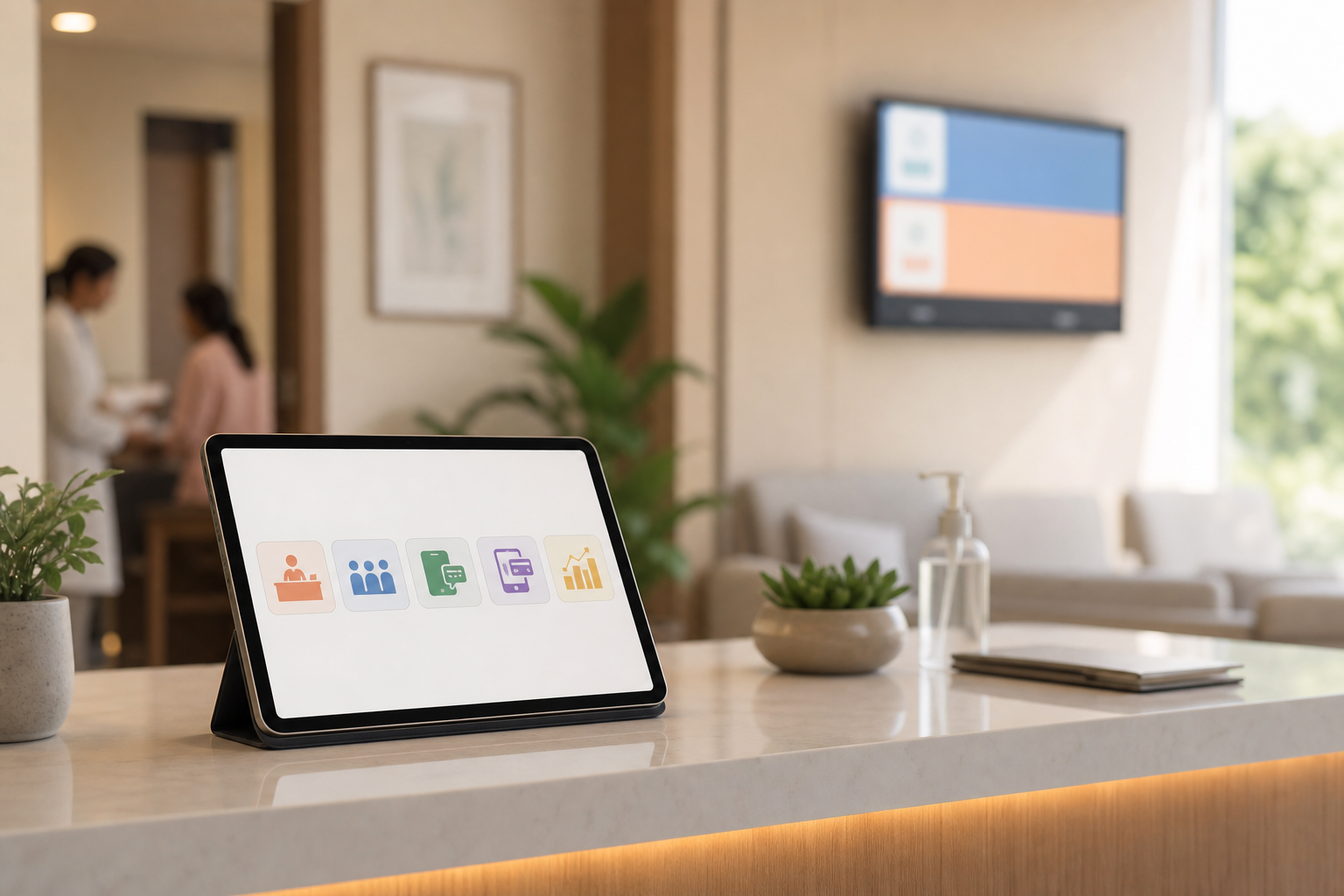
Tip: Show patients their place in the queue. A ₹12,000 TV plus a ₹1,500 HDMI stick will pay for itself by cutting reception crowding in week one.
Moreover, a patient app with live queue, lab reports, a prescription QR, and bill pay reduces inbound “kitna time?” calls. If you don’t want an app today, start with WhatsApp Business and move up later. Small, visible improvements, like a bilingual token screen and predictable nudges, signal professionalism, and patients respond with patience. The reduction in noise at the reception pays dividends in staff focus, and the doctor’s cognitive load drops when surges are smoothed out. Over a quarter, those micro-optimizations translate directly into higher throughput and improved reviews.
MedCore’s hybrid scheduling, Get instant pricing →, keeps complex cases from clogging peak hours. A self-serve onboarding wizard and flat per-month pricing reduce your changeover risk and help you go live this week, not next quarter. Live ABHA linking and DLT-ready templates are preconfigured so you don’t burn weeks on approvals.
Pull-quote: “The patient mobile app reduced our front-desk calls by half in the first month.” — Shalini Kumar, Operations Head, Greenleaf Care
Also Read!
Best OPD Queue Management & Appointment Scheduling for Small Clinics in India — 2026
Best Patient Engagement WhatsApp Reminders for Small Clinics in India — 2026
Tools and Software for OPD Queue Management in Indian Clinics
You have four realistic paths in 2026. Pick what fits your clinic size, staff comfort, and budget.
Category 1: Free/low-cost DIY
If you are just starting or see fewer than 30 patients per session, DIY can bridge the gap. Many clinics use Google Forms with Google Sheets to capture simple slot bookings, confirm via WhatsApp Business replies, and send a minimal DLT-SMS for confirmation. This approach is almost free and quick to deploy, but it offers no live queue, no token display, and it creates heavy manual work at reception. The biggest risk is data silos and transcription errors when staff transfer bookings from the sheet into a paper or whiteboard queue. As volume rises, the cracks show, so plan an upgrade path even while you start here.
Category 2: Standalone queue management apps
Standalone token or kiosk systems shine when all you need is a clean live queue without clinical records attached. They are easy to learn, install quickly, and can immediately calm a crowded waiting room with token order and basic ETAs. However, you will still manage billing and prescriptions elsewhere, which means there will be some double entry for your team. As you evaluate options, check that the patient-facing screen supports Hindi and regional languages and that “estimated wait” uses your average consult time rather than just token position. If the logic is configurable, you can refine it as your session metrics mature.
Category 3: Integrated clinic management software
Integrated tools like MedCore combine opd queue management and appointment scheduling with GST-aware billing (including Razorpay and UPI) and a core EHR. In this model, the queue flows directly to the doctor’s screen, prescriptions carry a QR for follow-up access, and bills post automatically with correct GST. Flat monthly pricing, without per-bed or per-user fees (Small Clinic: from ₹9,999/mo), keeps costs predictable for solo practices and small groups. Look for built-in WhatsApp reminders (DLT-approved), support for online plus walk-in appointments, and a patient app that shows live tokens and lab reports. Extras like Tally export, printable GST invoices, and configurable consent forms aligned to DPDP standards will reduce admin friction later.
Category 4: Custom-built solutions
A custom build is a fit only when your workflow is genuinely unique or you operate at unusual scale. You can match every nuance of your process, but be extremely clear about the total cost of ownership: upfront build fees, ongoing maintenance, and the operational risk of depending on a single developer or agency. Most single-doctor clinics do not need this path, but a small group with multiple specialties might consider it if integrated products cannot meet a specific need. If you go ahead, insist on source-code escrow, India-based hosting, and explicit SLAs for uptime and response. That discipline protects you from vendor lock-in and unexpected downtime.
What to evaluate before you choose
Before you sign up, test the basics patients will actually see. Confirm that every patient-facing screen, from the TV queue to WhatsApp templates, supports Hindi and at least one regional language in your catchment. Ask for DLT template IDs, WhatsApp BSP details, and a sample message flow so you are not stuck in approvals. Check that billing supports UPI/Razorpay, prints GST-aware invoices, and can export summaries to Tally without hair-pulling. Compliance matters: DPDP Act 2023 alignment, consent capture, and ABDM/ABHA linking readiness should be visibly built into the product. Also, ensure you have role-based access for reception, doctor, and admin users, with audit trails for edits. Finally, simulate a short internet outage to see whether the queue continues offline and safely resyncs when connectivity returns; resilience is not a bonus, it’s a requirement in many Indian neighborhoods.
For ABDM background and ABHA cards, see the National Digital Health Mission portal at https://abdm.gov.in. Use it as your policy anchor while you plan.
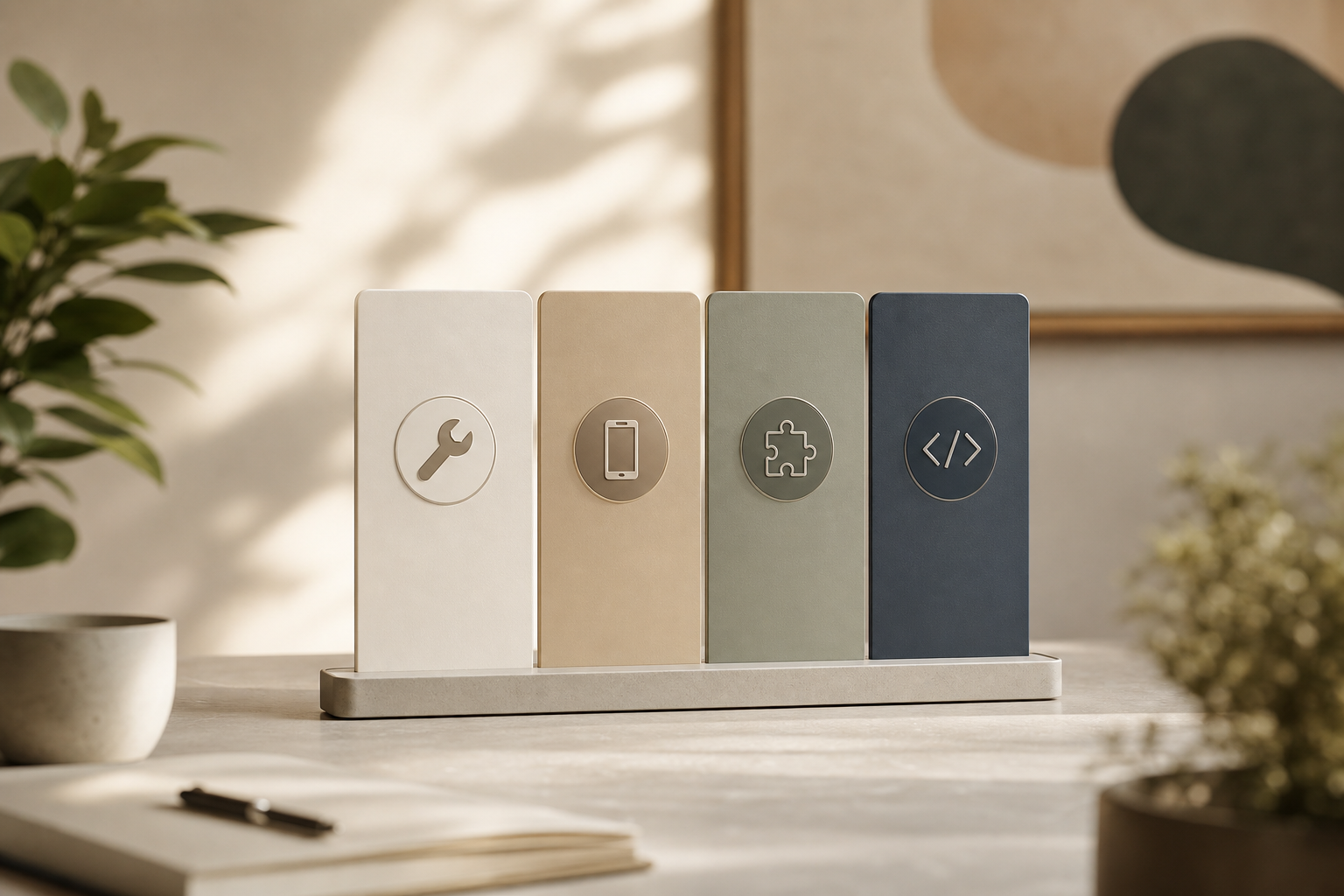
Reality check: You can start with DIY plus a token TV, then move to an integrated system in month two. The key is not the tool on day one, it’s the discipline of a hybrid model and weekly reviews.
OPD primer: quick takeaways you can apply today
To explore OPD basics from another angle, here’s a short OPD primer that many small clinics find useful: OPD management in the patient’s language lowers no-shows and smooths your day. Track three numbers weekly, average wait, no-show rate, and patients per hour, and adjust slot types based on those results rather than gut feel. Favor flat, per-month software pricing with DLT-ready WhatsApp/SMS so you keep both costs and compliance on rails. Publish your merging rule where patients can see it; transparent logic lowers perceived unfairness and reduces arguments. If you keep collecting small bits of data and fine-tuning once a week, you will compound efficiency gains across the entire session.
Also Read!
How to Set Up OPD Queue Management and Appointment Scheduling for Medical Tourism Hospitals in India
What to Do This Week to Fix Your OPD Queue
Your week-at-a-glance action list
- Monday: Sit at reception during peak OPD for two hours. Tally walk-ins vs. booked patients, actual waits, and walkaways. Mark peaks in 15-minute blocks. Take notes in Hindi and English so any staff can help.
- Tuesday: List your top five appointment types. Assign real durations: 5 minutes (follow-up), 12 minutes (new adult), 15 minutes (new pediatric), 20 minutes (procedure), 10 minutes (review with tests). Print and display this list for your team.
- Wednesday: Choose hybrid scheduling. Write your merging rule on paper: “Two booked, one walk-in” in normal hours; “One-one” during peaks. Add a rule for one “priority” case per hour for elderly or infants.
- Thursday: Shortlist two to three tools from the categories above. Book demos or start trials. Check for Hindi/regional language on the token screen, DLT-ready WhatsApp templates, and Razorpay/UPI with GST billing. Confirm that onboarding can be live in days.
- Friday: Set up a basic digital token display. A laptop plus a TV is enough. Run your afternoon OPD with tokens and the written merging rule. Time five patients end-to-end to see your new baseline.
As a result, even partial digitization of OPD flow cuts average waits by 40–60% in the first month, and patients notice fast. Stay with the weekly review, and the numbers will keep improving. If your staff worry about “more screens,” reassure them that each change removes work from their plate, fewer interruptions, fewer arguments, and fewer end-of-day backlogs. Within two or three cycles, the routine becomes muscle memory, and your clinic’s vibe shifts from reactive to calm. That is when word-of-mouth kicks in and new patients arrive already trusting your process.