**Get Free Portal Help Today →
80% of facilities run on fragmented workflows that make care feel slow and confusing (Source: MedCore market analysis). That’s why a patient portal matters: it pulls your lab results, appointments, prescriptions, and bills into one place you can access from your phone. This is your guide understanding hospital tools that cut wait time, reduce calls, and put you in control in 2026.
Portals aren’t just a login page. They connect to your hospital’s systems so you can see what your care team sees. You can book or reschedule visits, view scans and results, download digital prescriptions, and pay with UPI or cards. If you’ve tried before and hit a login wall, this guide will show simple fixes and faster paths.
Moreover, you’ll learn how to link your ABHA health ID, set alerts that actually help, and spot high-priority lab flags. In addition, you’ll see which tools power modern portals and why your hospital may use a mobile app rather than a website. Finally, you’ll leave with clear steps to do this week to get real value in 2026.

What Is a Hospital Patient Portal and Why Does It Matter?
A hospital patient portal is a secure website or app that lets you see your health records and manage care tasks without a phone call. Think of it as your private doorway to lab results, visit notes, scans, prescriptions, and bills. In plain terms, it saves time and makes care feel simpler. It’s also where you download reports you can share with a second opinion or insurance.
In most hospitals, the portal is tied to the live front-desk queue. As a result, you can check your token status before you leave home. You’ll also find prescription QR codes that local pharmacies can scan. Furthermore, you can pay bills online with cards or UPI and get instant receipts. If you prefer mobile, many facilities ship a patient app with lab reports, appointment booking, and real-time alerts.
People who search “tgh portal” are doing one thing: trying to jump straight to their hospital’s login. TGH might stand for a local “General Hospital” or a brand’s initials. Therefore, searching that short tag plus “portal” is a fast way to land on the right page or app download. If that fails, go to your hospital’s website or ask the front desk for the exact portal link.
What You Can Usually Do
- See lab results and download PDFs
- Check your OPD token or queue status
- Book or reschedule online and walk-in slots
- View digital prescriptions with QR codes
- Pay bills with UPI, cards, or payment plans
As your guide understanding hospital portals, remember this: one login should cover results, visits, meds, and billing. If a screen asks for several different accounts, ask support for the correct, current portal.
How to Access and Navigate a Patient Portal: Step-by-Step
First, confirm you’re on the right portal or app for your hospital branch. Some systems have both a website and an Android/iOS app. As your guide understanding hospital onboarding, here is the cleanest path to get in and use key features.
Step 1: Register Your Account
Create an account with your mobile number and date of birth or medical record number. You’ll get an OTP to verify. Use the same name and number you gave the hospital to avoid mismatches.
Step 2: Set a Strong Password
Choose a password with a mix of letters, numbers, and a symbol. In addition, add a PIN or biometric lock if the mobile app allows it.
Step 3: Link Your Health ID (ABHA)
If you have an ABHA ID, link it to your portal profile to pull prior records more easily. For background on ABHA under India’s ABDM, see the National Digital Health Mission overview on abdm.gov.in. If you don’t have an ABHA yet, the front desk or portal help can guide you.
Step 4: Add or Confirm Your Contact Info
Confirm your phone and email. Therefore, alerts for results, appointment reminders, or billing will reach you. If you change numbers later, update it here first.
Step 5: View Your Records
Open “Lab Results” to see recent tests. Most portals allow PDF download and sharing. For scans or radiology, look for “Imaging” or “Reports.” Moreover, check flags or highlights that mark values that changed a lot since your last test.
Step 6: Book Appointments (Online + Walk-In)
Pick a doctor, date, and slot. On the day, the live OPD queue may show token movement in real time. As a result, you can plan arrival better. If you need a walk-in, the portal may still give you a token to hold your place.
Step 7: Prescriptions with QR Codes
Open “Prescriptions” to see your latest meds. A digital script with a QR lets the pharmacy scan for exact drug name and dose. In addition, this helps avoid name confusion and speeds up refills.
Step 8: Pay Bills Fast
Go to “Billing” to pay with Razorpay, UPI, or cards. If the amount feels high, look for “payment plans.” Therefore, you can split big bills without a long call.
Step 9: Download and Share
Tap “Download” on any report to keep a personal file. If you need a second opinion, you can share PDFs instead of carrying paper. Keep files in a health folder on your phone or cloud.
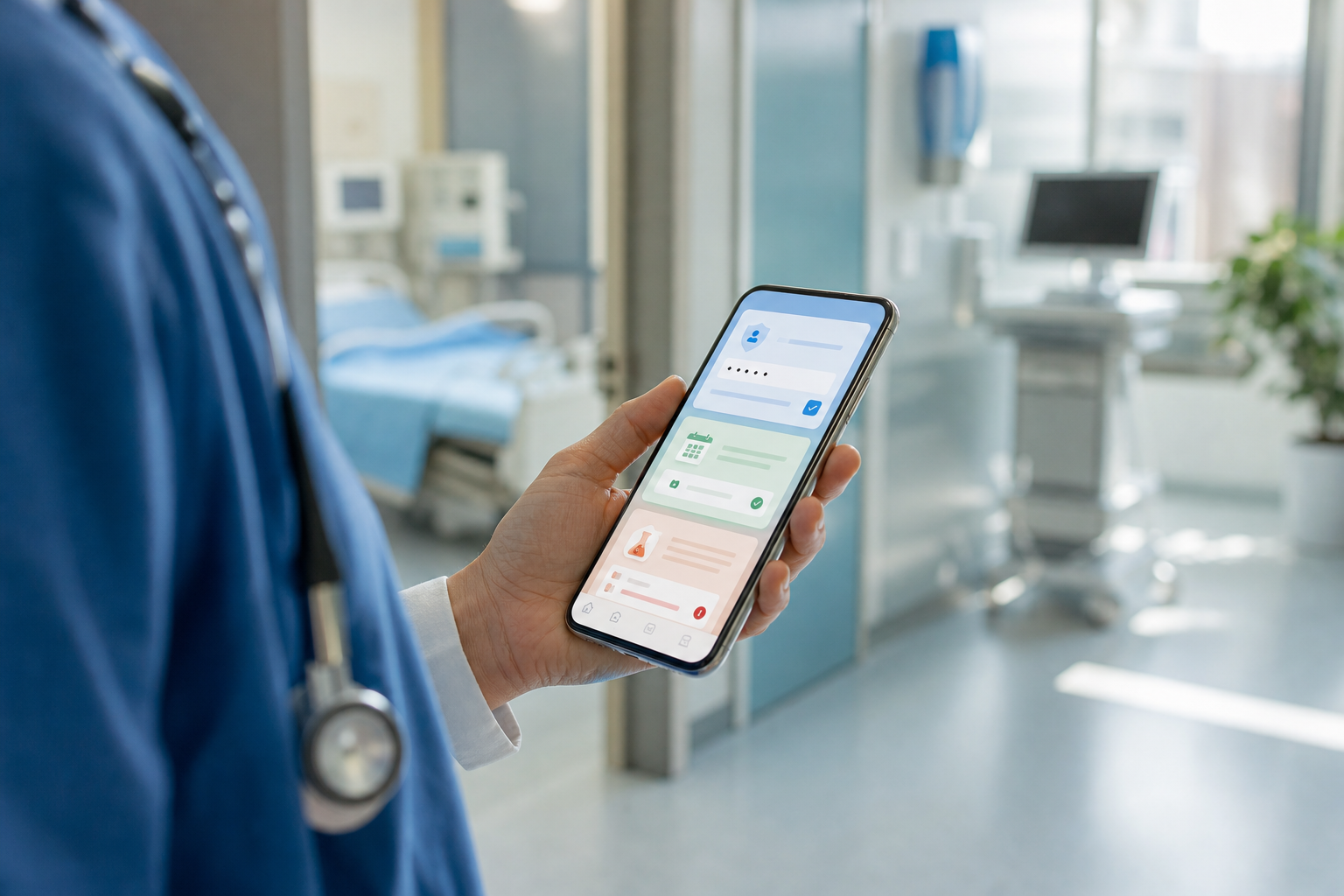
Furthermore, if you feel lost at any point, use the portal’s chat or help icon. Many hospitals now add chat support and even triage bots to guide next steps.
**Get a Free Demo Walkthrough →
Also Read!
Your Guide to Understanding PDS Health and Patient Data Systems
5 Common Mistakes People Make with Patient Portals
Even good portals can feel hard if small details get missed. As your guide understanding hospital pitfalls, here are the five misses that cause most frustration, and how to fix each one in minutes.
1) Not Updating Contact Info
If your phone or email changed, alerts won’t reach you. Fix: open Profile and update both. Then, send yourself a test “password reset” to confirm you get messages.
2) Ignoring Notification Settings
Default alerts may be off. Fix: turn on real-time notifications for appointments, results, and bills. In addition, enable feedback prompts so you can rate your visit and flag issues while details are fresh.
3) Confusing Portal Versions
Hospitals can run both a web portal and a mobile app, and some have different logins for each branch. Fix: ask the front desk for the exact link or app name for your branch. Moreover, bookmark the login and add the app to your home screen.
4) Skipping the Mobile App
Web portals work, but apps tend to load faster, cache your login, and show live queue updates. Fix: install the official app, enable biometrics, and keep it on the first screen of your phone.
5) Missing Lab Result Flags
Some portals show “delta” flags when a lab value changes more than expected from your last result. Fix: open the latest report and look for colored arrows or markers. If you see a big shift, message your provider or book a follow-up visit.
“The patient mobile app reduced our front-desk calls by half in the first month.” — Shalini Kumar, Operations Head, Greenleaf Care
Moreover, if you still can’t log in, try a fresh password reset, clear app cache, or reach support through the help icon. Take a screenshot of errors so the team can help faster.
Tools and Platforms That Power Modern Patient Portals
Behind the scenes, there are three layers. First, hospital-built portals tie closely to in-house systems and branding. Second, third-party hospital management systems (HMS) power records, billing, and labs across 55+ modules, then expose a portal that patients see. Third, government rails like ABDM allow secure record sharing across facilities when you link ABHA.
In practice, hospitals choose based on budget, speed, and support. For example, a mid-sized facility might adopt a platform that supports FHIR R4 for data exchange, HL7 v2 inbound, and India data residency. Therefore, your records move cleanly between billing, lab, and pharmacy without export headaches. In 2026, that kind of interoperability saves you repeats and reduces errors.
Tools like MedCore are one option in this space. They offer a branded Android/iOS patient app with live tokens and lab reports, an AI triage chatbot in English and Hindi, and DPDP Act 2023 compliance for privacy. In addition, you may see 24/7 AI Voice Receptionist answering first calls and routing urgent needs at night. As a result, you get help when you need it, not only during OPD hours.
How These Pieces Fit Together
- Hospital systems store your EHR and billing
- The portal or app shows your data in plain language
- ABDM/ABHA linking lets records travel with you
- AI agents triage, translate, and draft reminders in 8 Indian languages
For a broader look at why digital access improves care follow-up, see the World Health Organization’s perspective on digital health. Furthermore, remember that the best portal feels invisible: it just works, keeps you informed, and gets you to the right care fast.
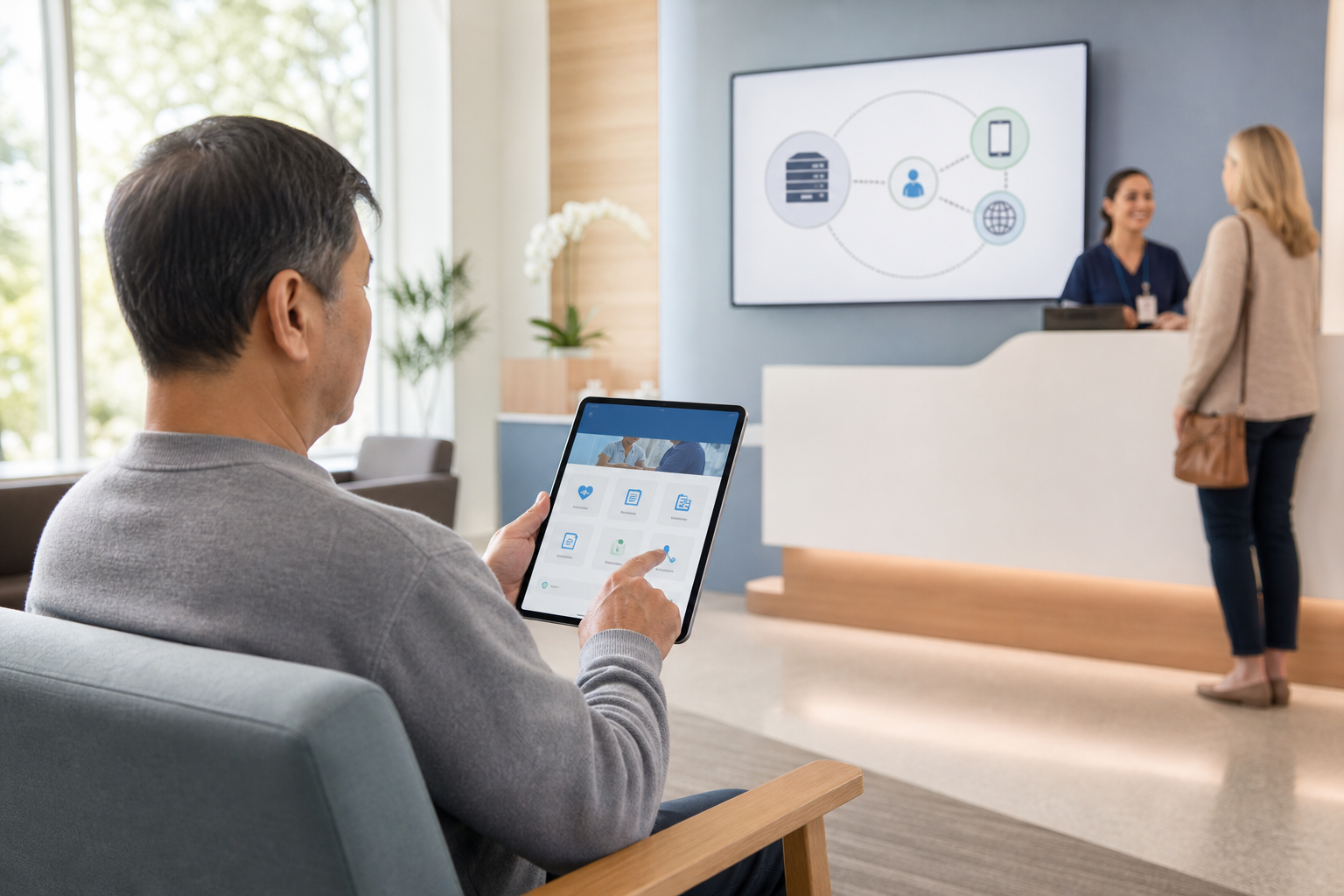 , Lab, Pharmacy, and ABDM/ABHA; annotations: FHIR R4, DPDP 2023, AI triage English/Hindi)
What to Do Next: Getting the Most From Your Portal
You’ve got the tools. Now make them work for you. As your guide understanding hospital next steps, take 10 minutes to do the checklist below and you’ll save hours this year.
Your 7-Point Quick Win Checklist
-
Install your hospital’s official app and log in with OTP. 2) Link your ABHA ID so older records appear when possible. 3) Turn on alerts for results, appointments, and bills. 4) Add WhatsApp reminders (DLT) if your hospital offers them.
-
Open your latest lab report; note any flags or big shifts. 6) Review your profile for errors in name, DOB, or address. 7) Ask if triage chat or secure messaging is enabled for your doctor.
Furthermore, on your next visit, ask the front desk to confirm you’re on the current portal release. If your facility runs 24/7 AI Voice Receptionist, save the main number in your contacts so you can reach care at any hour. Moreover, if you face a high bill, check for UPI or payment plans in the portal rather than waiting in line.
Finally, if something doesn’t look right, wrong med, missing vaccine, or duplicate bills, use the in-app feedback form. Most systems route feedback straight to admins, and quick flags prevent long-term record errors.
Key Takeaways
- A patient portal is your secure link to results, visits, prescriptions, and bills—on web or mobile.
- ABHA linking helps your records travel across facilities on ABDM rails.
- Turn on real-time alerts and check lab “delta” flags to catch changes early.
- Use UPI, Razorpay, or payment plans to pay fast and keep receipts straight.
- Tools like MedCore show the trend: branded apps, live queues, AI triage, and DPDP Act 2023 compliance.
What to Do This Week
Block 15 minutes. Install the official app, link ABHA, enable alerts, and review your latest lab result. Then, book your next check-up online so you can see how the live queue and reminders work before the day-of rush. If you need help, take screenshots and ask support through the portal, small fixes now save long calls later.
**Book a Free Portal Walkthrough →
As a final note, your guide understanding hospital choices isn’t about tech for its own sake, it’s about less waiting, clearer answers, and care that feels human in 2026 and beyond.