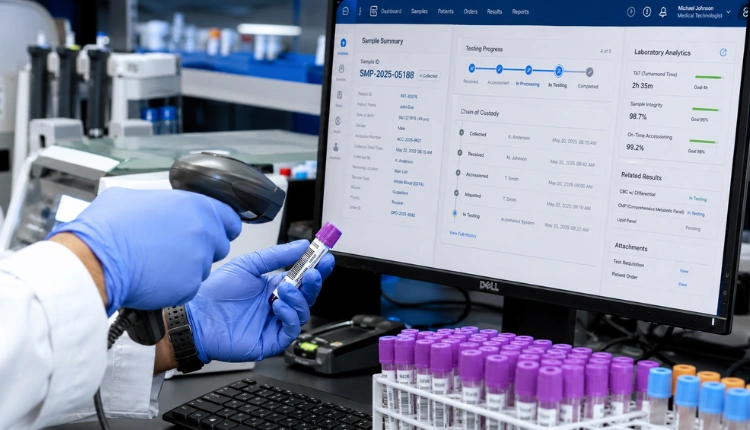

**Get a healthcare demo today →
80% of facilities run on fragmented workflows, which makes every missed slot hurt. This is your guide appointment plus: a clear, neutral look at DaySmart’s AppointmentPlus platform, how it works, and how to weigh alternatives in 2026.
Short answer: AppointmentPlus is a cloud booking system for online scheduling, reminders, staff calendars, and multi-location rules. It now lives under the DaySmart Appointments brand. You’ll see where it fits, where it doesn’t, and how to test tools the right way.
Moreover, you’ll get a step-by-step setup walkthrough, a checklist to avoid common traps, and a plain‑English comparison of options like Calendly, Acuity, Zocdoc, and healthcare‑focused tools such as MedCore. As a result, you can make a choice that holds up for 12 months and beyond.

What Is Appointment Plus and Who Is It For?
AppointmentPlus (now presented as DaySmart Appointments) is a cloud‑based scheduling platform. It centralizes online booking, staff calendars, reminders, and basic intake. You run it in a browser without local servers, and it works across desktops and phones. For many teams, that alone replaces back‑and‑forth calls and helps cut no‑shows with automated nudges.
Specifically, it targets four common use cases:
- Service businesses: salons, automotive, repairs, personal services, and field visits.
- Healthcare: clinics, imaging centers, therapy, and private practices.
- Education: advising, workshops, student services, testing centers.
- Government: permit offices, vaccination drives, public counters.
On the brand side, AppointmentPlus joined DaySmart and the product now appears as DaySmart Appointments. So, pricing pages, support docs, and updates roll up under DaySmart. The core idea remains the same: let people self‑book, route them to the right resource, and keep calendars in sync.
Furthermore, because it runs in the cloud, updates and security patches don’t need your IT team. However, you still need to assess compliance if you handle regulated data. For healthcare, that means a Business Associate Agreement (BAA) and controls aligned with national rules such as the HIPAA Privacy Rule. For context on the category, see this neutral overview of appointment scheduling software.
Who Uses AppointmentPlus Today?
- Teams that want web booking without complex custom code.
- Managers who need to align staff shifts with services and rooms.
- Multi‑location owners who want simple rules like “Clinic A offers X only on Tuesdays.
- Admins who rely on reminders to reduce no‑shows and keep use steady.
On the other hand, if you need a unified EHR, complex insurance workflows, or deep marketplace visibility, you may run into limits fast. That doesn’t make it a bad fit, it just means you should match the tool to the job.
How Appointment Plus Works: A Step-by-Step Walkthrough
If you plan a quick pilot, this section is your guide appointment plus in action. The goal: get from sign‑up to your first live booking in under a day, then expand with guardrails.
-
Create your account
Start with the DaySmart Appointments sign‑up. Add your business name, locations, and default time zone. Then set your opening hours. Keep it simple at first, you can split locations and add holidays later. -
Configure services
List each service with a clear name, duration, prep/cleanup time, and price if you charge at booking. In addition, tag services by category (e.g., checkup, imaging, therapy) so patients can scan faster. -
Add staff and resources
Create staff profiles with working hours, skills, and service eligibility. If rooms or devices matter (e.g., ultrasound), add them as resources. Therefore, the system can avoid double‑booking people or rooms. -
Set scheduling rules
Define buffers, max daily slots, lead time (how far ahead someone can book), and cancellation windows. For multi‑site teams, set location‑specific rules. As a result, you can avoid edge cases like back‑to‑back bookings across far‑apart branches. -
Embed the booking widget
Copy the widget code into your website. Alternatively, use a hosted booking page if your site is not ready. Test on mobile first; most bookings now start on a phone. -
Manage appointments in the calendar
Use filters (service, provider, location) to view the day or week. Drag‑and‑drop to move a slot. Add internal notes when rescheduling. Moreover, check the waitlist if demand spikes. -
Turn on reminders and confirmations
Set email and SMS reminders with timing that fits your no‑show pattern (e.g., 48 hours and 2 hours). Keep messages short. Include location, parking tips, and a reschedule link.
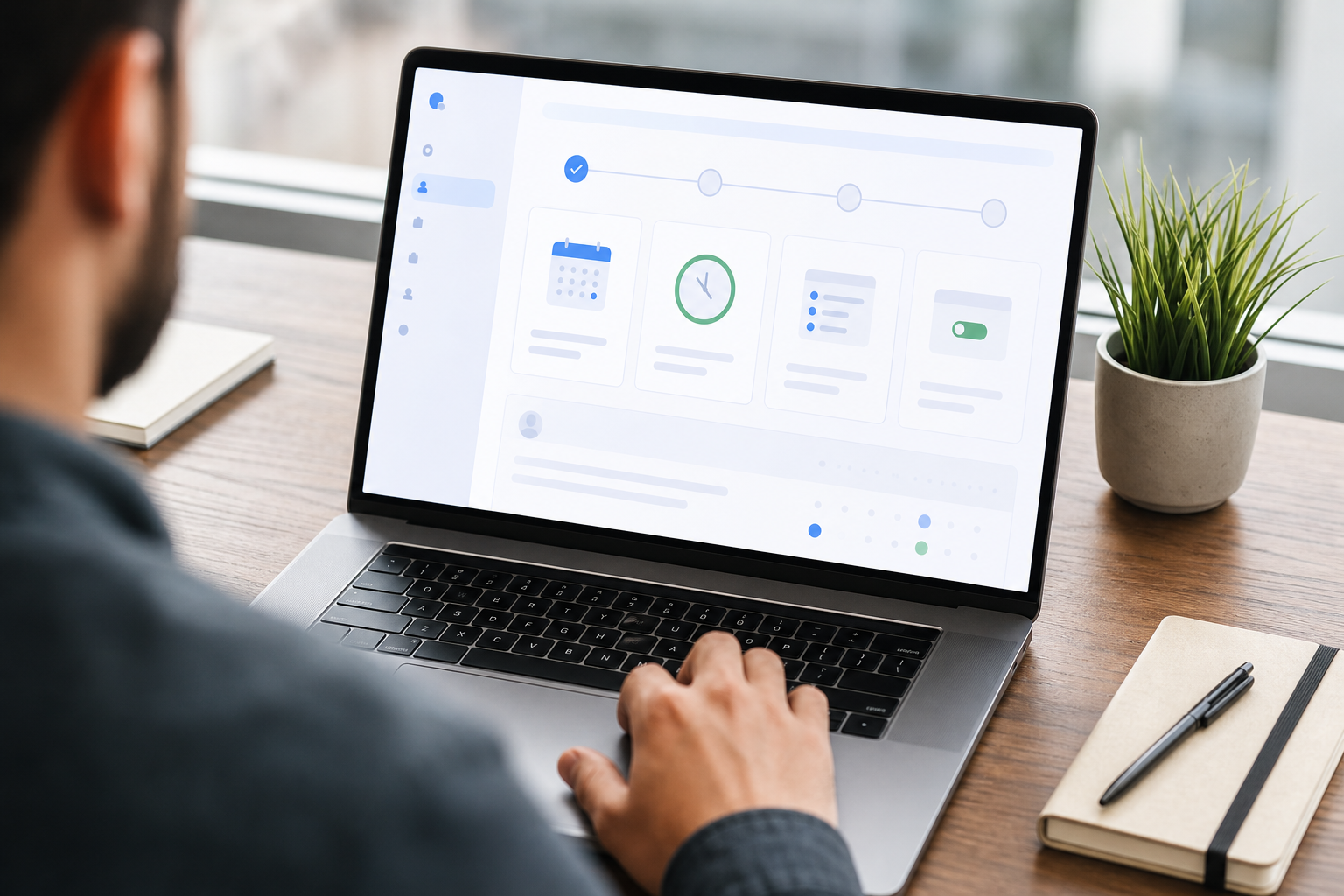
Appointment Widget Tips
- Use plain labels like “Consultation — 20 minutes”.
- Show real‑time availability by provider.
- Add a short intake form only if it helps triage; don’t bloat it.
- Test on a slow 3G network profile to catch load issues early.
Also Read!
Your Guide to Nursing Informatics Jobs: Roles, Salaries, and How to Get Hired
How to Set Up OPD Queue Management and Appointment Scheduling for Your Small Clinic in India
Common Mistakes When Choosing Scheduling Software
You can dodge months of rework by stress‑testing a few areas up front. This section is your guide appointment plus checkpoint list for due diligence before you pay.
Appointment Integrations: Assume Complexity
It’s easy to skip an integration review. Don’t. Make a list of tools you must sync with: calendars, CRM/EHR, billing, and messaging.
Then test read/write both ways. For healthcare, confirm FHIR/HL7 support or a documented API. If you plan to grow, ask how new branches sync.
Appointment Pricing Traps
Per‑user pricing sounds fair until your front desk doubles or you add weekend staff. Moreover, add‑ons such as extra SMS, premium support, or multiple locations can bump the bill. Price out 12 months with your “busy season” headcount, not this month’s snapshot.
Compliance and Security Checks
For clinics and hospitals, a BAA is non‑negotiable in the U.S. under HIPAA. In India, teams cite the DPDP Act 2023 and DLT rules for messaging. Ask for data residency options, encryption at rest, and audit trails. Furthermore, confirm how backups and SLAs work during outages.
Patient-Facing UX Is Untested
- Teams test admin calendars but skip the patient flow.
- Run five live tests with real patients on low‑end Android phones.
- Time each step.
- Therefore, you’ll spot friction like tiny buttons, unclear time zones, or a captcha that blocks bookings.
Multi-Location Scale
A tool that works in one clinic might choke at five. Check if you can copy rules across sites, block staff movement between branches, and report per location. In addition, confirm centralized analytics so you don’t export CSVs all week.
- Quick red flags:
- No way to throttle or cap daily walk‑ins.
- SMS limited to one sender ID for all branches.
- No role‑based access for temp staff.
Top Appointment Plus Alternatives to Consider in 2026
You might stay with DaySmart Appointments, or you might not. Here are neutral use‑case fits across four to five common picks, plus one healthcare‑specific option.
Think of this as your guide appointment plus comparison by scenario, not a feature dump.

Calendly — General Teams, Simple Routing
Calendly works well for individual and small team scheduling. It shines for external meetings, round‑robin, and instant booking from email links. However, it’s not built for regulated patient data or complex clinic workflows. Choose it if you need quick meeting links, not multi‑site patient intake.
Acuity Scheduling (Squarespace) — Small Businesses
Acuity pairs strong self‑serve setup with intake forms and basic packages. It suits solo providers, boutique studios, and small practices with direct pay. On the other hand, it’s less ideal for hospitals with EHR needs or branch analytics. Use it when simplicity beats depth.
Zocdoc — Patient-Facing Marketplace
Zocdoc is a demand channel, not just a scheduler. Patients find you in a marketplace and book right there. That helps new patient flow, but you trade control of the funnel and pay marketplace fees. Pick it if you want visibility fast and can work within their rules.
DaySmart Appointments — Continuation of AppointmentPlus
If you already run AppointmentPlus, staying within DaySmart can reduce change risk. You get continuity of features and support. Evaluate it on integrations, multi‑location rules, and cost at your 12‑month headcount. Keep a close eye on per‑user or add‑on costs as you scale.
Tools Like MedCore — Healthcare-Specific, EHR + AI
"Our OPD wait time dropped from 40 minutes to 12. The live token display alone was worth the switch." — Dr. Meera Rao, Medical Director, Asha Hospital
For hospitals and clinics that need more than a calendar, tools like MedCore fold scheduling into a unified EHR and billing system. That matters when you want one source of truth across OPD, pharmacy, and lab.
- AI‑native with integrated workflows and a unified EHR.
- Flat per‑month pricing without per‑bed or per‑user fees.
- Online + walk‑in appointments with live OPD tokens.
- AI Voice Receptionist operating 24/7 for inbound calls.
- WhatsApp reminders (DLT) plus voice follow‑up.
Moreover, certifications such as DPDP Act 2023 alignment, DLT‑compliant SMS, and India data residency help local teams tick compliance boxes. For growing Indian hospitals and clinics, the 75% of the market underserved by older tech, this class of product can replace 3+ tools with one system.
**See flat pricing instantly →
How to Decide What's Right for You
You don’t need a six‑month RFP. You need a crisp test plan. Treat this section as your guide appointment plus decision framework to reach a confident 2026 choice.
Appointment Fit Checklist
-
List your must‑haves
Write 5–7 non‑negotiables: BAA, multi‑location rules, WhatsApp reminders, or EHR sync. If a tool fails one, drop it. -
Trial at least two tools
Run live trials with real patients for two weeks each. Measure time to book, no‑show rate, and staff effort. -
Check compliance needs
Confirm HIPAA/BAA in the U.S. or DPDP and DLT in India. Ask for encryption at rest, audit logs, and data residency. -
Calculate 12‑month total cost
Model busy‑season headcount, locations, SMS/WhatsApp volume, and support tiers. Therefore, you won’t get surprised in month eight. -
Involve end‑users early
Front desk, nurses, and providers should test day‑one. Capture feedback in one page and decide on facts, not hunches.
**Get a healthcare demo today →

Key Takeaways
- AppointmentPlus (as DaySmart Appointments) is a cloud scheduler built for online booking, staff calendars, and reminders.
- Your best pick depends on use case fit: Calendly for general meetings, Acuity for small shops, Zocdoc for demand, DaySmart for continuity, and tools like MedCore for unified EHR + AI.
- Avoid traps: confirm integrations, price for 12 months, test patient UX on real phones, and check compliance artifacts.
- For Indian hospitals and clinics, DPDP, DLT, and India data residency matter; AI Voice Receptionist and WhatsApp reminders can lift show rates.
- Trials with real patients and a simple scorecard beat long requirement docs.
What to Do This Week
Block two hours to shortlist three tools. On day one, write your 5–7 must‑haves. By mid‑week, launch two live pilots with real patients and staff. On Friday, add up 12‑month cost and pick the front‑runner for a 30‑day run. If you need an integrated EHR with flat pricing and AI agents in 8 Indian languages, line up a session now.