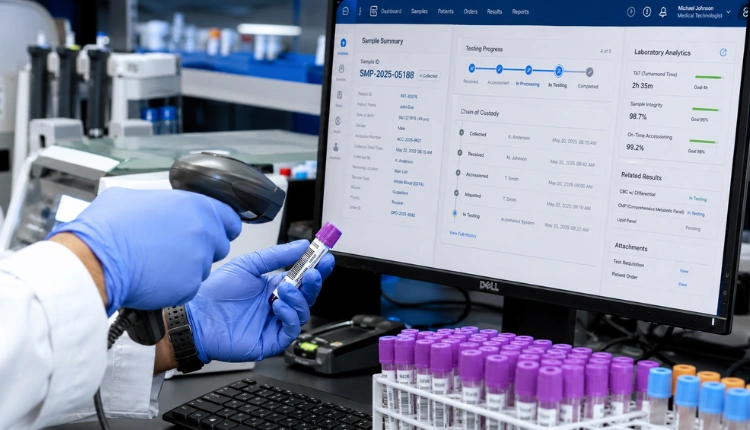

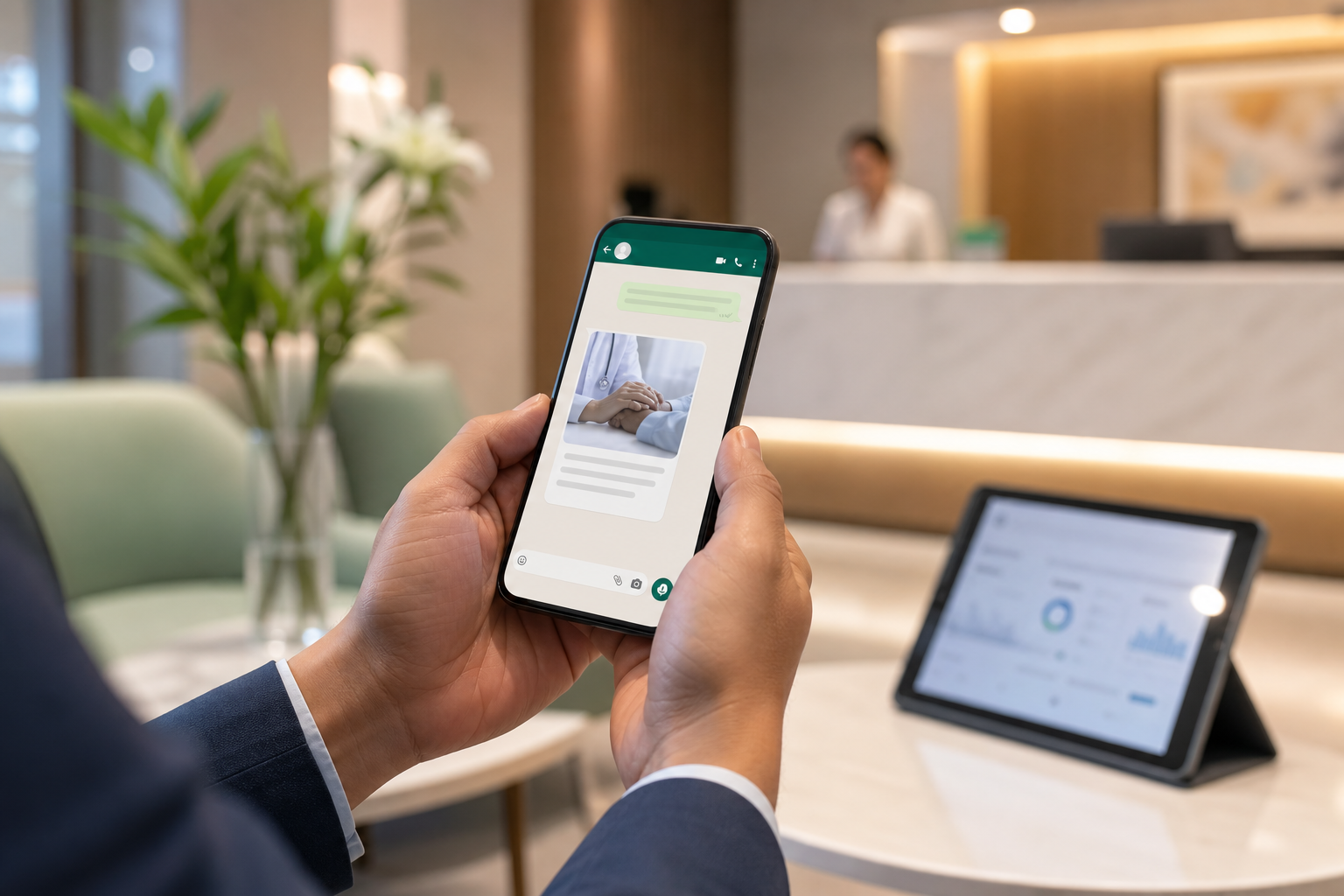
A patient engagement app with whatsapp reminders is the only reliable way to reach India‑bound patients across borders and time zones. In practice, the channel outperforms SMS and email because messages land where patients already chat with family and coordinators.
Here’s the answer in one line: to set up WhatsApp reminders for international patients in 2026, get Business API access, make your DLT templates, map every cross‑border touchpoint, draft multilingual messages, wire triggers to your HMS, enable two‑way replies, and measure delivery and reads. Do this with clear consent under India’s DPDP Act, and you’ll see fewer no‑shows and calmer coordinators.
Why it matters now: clinics and hospitals lose high‑value procedures to missed arrivals, expired visas, and long‑haul flight fatigue. Meanwhile, 80% of facilities still run on fragmented workflows (Source: MedCore BKO). You cannot afford a “we sent an email” excuse. You need confirmations, docs, and transport pins read on a patient’s phone within minutes, not days.

Why WhatsApp Reminders Are Non-Negotiable for Medical Tourism Hospitals
Visa support, airport pickups, currency questions, and fast-moving clinical schedules create a fragile chain. When an inbound case misses one link, you lose an OR slot or a premium room night. That’s why reminders on WhatsApp are now standard for India‑focused medical tourism teams.
First, SMS breaks down on roaming numbers. Carriers apply blocklists, sender IDs change, and many travelers switch to eSIM or Wi‑Fi only. Email is worse. It buries confirmations under promos and spam filters.
WhatsApp, by contrast, rides the patient’s main chat app. They already send passport scans, hotel bookings, and INR quotes there. Your reminders join that flow.
Second, language and tone matter. A Nigerian caregiver may prefer simple English. A Bangladeshi patient may ask in Bangla.
A Gulf patient may type in Arabic but read English fine. WhatsApp supports quick, clear back‑and‑forth with short messages, voice notes, photos, and location pins. SMS cannot match that richness.
Third, India’s hospital market is large (about $200B; Source: MedCore BKO), yet 80% of facilities work with siloed tools. In that reality, a single channel that confirms arrival time, shares a visa letter, and nudges for fasting rules makes a direct, measurable dent in no‑shows and reschedules. You will feel it in OT use and airport pickup runs completed on time.
"The patient mobile app reduced our front-desk calls by half in the first month." — Shalini Kumar, Operations Head, Greenleaf Care
What “non-negotiable” looks like
- Pre‑arrival sequence that checks visa readiness and airport pickup.
- Appointment reminders that match the patient’s home time zone.
- Travel‑safe prep (fasting, meds hold) with a quick confirm button.
- Post‑op checks with wound photos, pain scale, and pharmacy links.
For deeper context on channel fit by facility size, see this guide on best WhatsApp reminder setups for multi‑specialty chains.
Step-by-Step: Building a WhatsApp Reminder Workflow for International Patients
You don’t need a 6‑month project plan. You need seven steps, done in order, with quality checks.
Step 1: Get WhatsApp Business API approved
Register your business profile, verify your display name, and connect through a BSP (Business Solution Provider) or your platform. Avoid personal numbers. WhatsApp Business API supports template messages for outreach and free‑form replies in live chat. For background, see WhatsApp Business.
Step 2: Register DLT templates
On India’s DLT (telecom ledger) you must register your sender profile and content templates if your system also sends SMS fallbacks. Keep categories (service, explicit consent) tidy. Align each WhatsApp template with an SMS twin so fallbacks pass operator checks. Use clear headers, short bodies, and dynamic fields for name, date, and location. Keep opt‑out text present for SMS.
Step 3: Map the patient journey touchpoints
List cross‑border tasks from first inquiry to 30‑day post‑op:
- Visa letter issued, passport scan received
- Flight confirmed, airport pickup scheduled
- Pre‑op fasting, meds hold, and arrival time confirm
- Cashless/insurance pre‑auth, multi‑currency billing update
- Post‑op wound check, pain score, and follow‑up visit
Tag each touchpoint with trigger source (HMS, coordinator action), channel (WhatsApp primary, SMS fallback), language, and SLA.
Step 4: Set up multilingual message templates
Create short, human templates in English plus one or two target languages. For India‑bound cases, I advise English + Hindi for the India‑side staff and the patient’s preferred language for comfort. Keep variants for time‑zone phrasing (“tomorrow 9:00 AM Dubai time” vs “IST”). Tools that support AI‑driven triage in 8 Indian languages reduce rework and route questions using SNOMED‑anchored intent detection (Source: MedCore BKO).
Step 5: Automate triggers from your HMS
Wire events to WhatsApp:
- Appointment booked → T‑48h, T‑24h, T‑2h reminders
- Pre‑op checklist incomplete → daily nudges until done
- Airport pickup driver assigned → share live location pin
- Discharge complete → pharmacy and wound‑care schedule
Use message queues so weekend loads don’t fail. Plan for 1,000 messages/month at Starter scale and 10,000/month at Professional scale (Source: MedCore BKO: “WhatsApp messaging with 1,000 messages/month for Starter and 10,000 messages/month for Professional”).
Step 6: Add two-way response handling
Don’t blast. Converse. Provide quick‑reply buttons (“Confirm arrival”, “Need to reschedule”, “Share passport photo”). Add an Outbound Follow‑up Agent that can switch between voice and WhatsApp for hard‑to‑reach patients (Source: MedCore BKO). Route complex clinical questions to a nurse queue with timestamps for audit.
Step 7: Track delivery and read receipts
Log sent/delivered/read per message. Flag any number with 3+ undelivered attempts for alternate reach (email, phone call). Feed no‑show and late‑arrival data to a predictions model that scores risk by patient profile, day of week, and airline route (Source: MedCore BKO: Predictions agent providing no‑show scoring).

For a hands‑on build for mid‑size teams, compare this walkthrough: How to Set Up WhatsApp Patient Reminders for Mid‑Size Hospitals.
**Start instant setup, no credit card →
Also Read!
Mid-Size Hospital Guide to Billing with GST and Insurance Claims
Best Patient Engagement WhatsApp Reminders for Medical Tourism Hospitals India in 2026
5 Mistakes Medical Tourism Hospitals Make with WhatsApp Patient Communication
Even strong coordinators fall into five traps. Each one increases no‑shows or draws regulatory risk you do not want.
-
Using personal WhatsApp instead of Business API
Personal numbers can get banned for bulk sends. You also lose audit trails, role‑based access, and template approvals. Business API is the only safe path for scale and compliance. -
Ignoring DLT compliance and getting blocked
If you skip DLT for SMS fallbacks, carriers will block or throttle you. Register sender IDs and templates. Keep opt‑out text on SMS and keep your template taxonomy clean. -
Sending English‑only messages to non‑English patients
You will get weak confirms and weak prep. Draft multilingual templates, add a short greeting in the patient’s language, and offer a simple language switch. AI triage that supports 8 Indian languages with SNOMED‑anchored routing helps staff resolve edge cases fast (Source: MedCore BKO). -
No pre‑arrival sequence (visa docs, travel prep)
A single “see you on Monday” is not enough for cross‑border care. Build a 3–5 step pre‑arrival flow: visa letter issued, passport photo received, flight confirmed, pickup driver assigned, and fasting reminder sent. -
Treating reminders as one‑way blasts, not conversations
Reminders without reply options cause phone calls and missed steps. Add quick replies and two‑way chat. Use a triage agent for common questions and escalate to a nurse or international patient desk when needed.
Moreover, handle consent and privacy under India’s DPDP Act. If you send or store health data, align your notices, consent logs, and retention. For a plain‑language primer, read the Digital Personal Data Protection Act, 2023. Systems that advertise DPDP Act 2023 compliance, ABDM/ABHA linking, and India data residency reduce your exposure (Source: MedCore BKO).
Tools That Help Medical Tourism Hospitals Automate WhatsApp Reminders
You have three good tool paths. The right fit depends on team size, IT support, and how deep your international program runs.
-
Standalone WhatsApp API providers
Names like Gupshup or Wati connect you to the Business API with template management and basic routing. These are fast to start and cheap. They shine if you already have engineers to wire HMS triggers and build dashboards. -
CRM‑integrated solutions
Marketing CRMs add WhatsApp channels on top of contact timelines. These help if your leads, coordinators, and call center already live in that CRM. You still need healthcare‑grade consent flows and audit trails. -
Healthcare management systems that bundle reminders
Platforms like MedCore bundle WhatsApp reminders with EHR, billing, and international patient coordination. That includes an International Patient agent for visas, multi‑currency billing, and on‑the‑fly translations; an Outbound follow‑up agent with voice + WhatsApp; real‑time notifications and feedback; and a Predictions agent for no‑show scoring and pharmacy demand (Sources: MedCore BKO Features). This path suits hospitals that want one system‑of‑record and fewer integrations.
For benchmarks by facility type, see this explainer for mid‑size hospitals in 2026 or this guide for small clinics rolling out reminders.
What to Do Next: Your First 7 Days Implementing WhatsApp Reminders
You can stand up a pilot in one week. Keep scope tight and measure every step.
-
Day 1–2: Audit current patient communication gaps
Pull the last 100 international bookings. Mark where contacts failed: visa letters late, airport pickup missed, fasting non‑compliance, or arrival time confusion. Note channel and language used. Quantify no‑shows and late arrivals. -
Day 3–4: Apply for WhatsApp Business API
Register your business and display name. Draft your brand identity and support hours. In parallel, create DLT sender profiles and register SMS fallbacks. Keep a one‑page consent policy that aligns with DPDP Act 2023. -
Day 5–6: Draft your first 5 message templates
Write two pre‑arrival, two appointment reminders, and one post‑op check. Do them in English plus one regional language your staff speaks well. Add quick replies: “Confirm”, “Reschedule”, “Call me”. -
Day 7: Pilot with 50 upcoming international patients
Pick 50 patients with procedures in the next 2–3 weeks. Use your HMS to trigger reminders. Track sent/delivered/read and replies. Hold a 30‑minute daily stand‑up to fix template text and timing. A self‑serve onboarding wizard should get you live in days (Source: MedCore BKO). If you bill patients directly, test multi‑currency billing notifications alongside reminders.
Before you scale, align your legal, IT, and care teams on consent, data retention, and escalation rules. Then expand to 200+ patients next month.

Key Takeaways
- WhatsApp reminders beat SMS/email for cross‑border care because they live in the patient’s daily chat flow and support two‑way, multilingual replies.
- Map the entire journey, not just the slot time. Pre‑arrival steps (visa, flights, pickup) remove the biggest no‑show risks.
- Get the Business API, register DLT templates, and wire HMS triggers before you write your tenth template.
- Track delivery and reads, then feed the data into a no‑show scoring model to focus staff time where it counts.
- Favor platforms that state DPDP Act 2023 compliance, ABDM/ABHA linking, and India data residency to reduce risk.
What to Do This Week
Start with a small, real cohort. Approve the Business API, register DLT fallbacks, and send five multilingual templates to 50 upcoming patients. Measure reads and replies every day, fix the copy, and expand only after you see fewer no‑shows and smoother airport pickups. If you want an all‑in‑one route with EHR, international coordination, and WhatsApp under one roof, tools like MedCore are designed for exactly this use case.
**See pricing, flat monthly →
Further reading on channel strategy: this primer on building modern "patient engagement software" connects reminders with triage, billing, and feedback loops so nothing falls through the cracks.