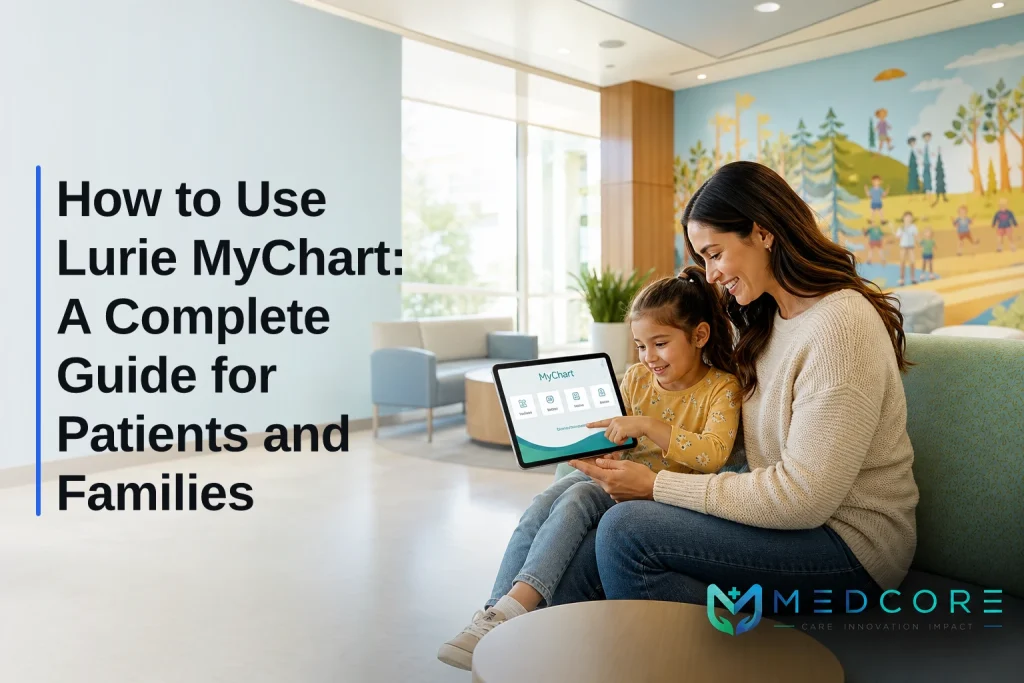
At 2 a.m., your child’s fever breaks and a new lab result pings your phone. That moment captures why people use lurie mychart complete: to see results fast, ask a non‑urgent question, and plan next steps without a call-back queue. In 2026, the quickest way to manage your child’s care at Ann & Robert H. Lurie Children’s Hospital is through MyChart, the secure patient portal that puts records, messages, bills, and scheduling in one place.
Here’s the short answer up front: set up your account with Lurie’s activation code, add proxy access for your child, download the MyChart app, turn on alerts, and link any other MyChart accounts you have. Then you can view visit notes, test results, vaccination history, and bills; send your care team a message for non‑urgent needs; and book or check in for visits from your phone. This guide walks you through each step and helps you avoid common snags parents face in their first week on the portal.
Moreover, MyChart runs on Epic, the electronic record platform used by many U.S. hospitals. If you’ve used MyChart before at a different clinic, you can usually link portals so you don’t juggle extra passwords. For context, Epic is profiled here: Epic Systems (Wikipedia).
What Is Lurie MyChart and What Can You Do With It?
Lurie MyChart is the patient and family portal that connects you to your child’s care team and record within Lurie Children’s Hospital. It’s built on Epic’s MyChart platform, so it follows national privacy rules and uses secure sign-in to keep health data safe. If you’re new, you’ll use lurie mychart complete as your one hub for updates, visit details, and bills.
Appointments and eCheck‑In
In practical terms, you can check upcoming appointments, complete questionnaires, and do eCheck-In. That means you’ll confirm contact details, add a pharmacy, and sign forms before you arrive. As a result, your front‑desk time can drop to just a few minutes.
You can also read visit summaries, growth charts, and vaccine history. Furthermore, test results appear in the portal once they are released by your child’s care team. You can view normal and flagged values, see prior results side by side, and, when available, read plain‑language notes that explain what changed and why it matters.
Messaging is a key feature. For non‑urgent questions, like dose clarifications or school form needs, you can send a note to your child’s clinic. Therefore, you keep a written thread with dates, attachments, and clear follow‑ups. In addition, you can request refills, review prescriptions, and choose a preferred pharmacy for pickup.
Finally, billing and price transparency tools live here too. You can see statements, pay a balance, set up payment plans, and store a card. If insurance changed, you can upload a new card so claims route correctly. In short, this is your home base. And if you use lurie mychart complete weekly, you’ll spend less time on hold and more time on what matters at home.
Core features you’ll rely on
- Secure sign‑in, eCheck‑In, and appointment scheduling or rescheduling
- Results, visit notes, and vaccine history in one view
- Non‑urgent messaging with your child’s care team
- Refill requests and preferred pharmacy selection
- Statements, online bill pay, and insurance updates
Also Read!
Step-by-Step: How to Set Up and Navigate Lurie MyChart
Getting started is easier if you follow a clear path. Below are the exact steps families use lurie mychart complete without hiccups.
-
Get your activation code from Lurie
Ask for a MyChart activation code during check‑in, on your after‑visit summary, or by calling your clinic. If your child is new to Lurie, staff can generate a code tied to their medical record number. Keep it handy; it expires if not used in time. -
Create your account at mychart.luriechildrens.
Open a browser and go to mychart.luriechildrens.org. Enter the code, your date of birth, and your email. Then create a username and a strong password. For extra safety, turn on two‑step verification so sign‑ins need a code sent to your phone. -
Set up proxy access for your child
As a parent or legal guardian, you need proxy access to view a minor’s chart. Complete the proxy form online or at the clinic. If your child is a teen, age‑based sharing limits may apply. Ask Lurie which parts of the chart are shared and how consent works.
Then go mobile
-
Download the MyChart app
Install the free app on your phone. Search for Lurie Children’s within the app and sign in with the account you just created. With the app, you can scan check‑in barcodes, get alerts, and carry the record with you to school, camp, or travel visits. -
Enable notifications
Turn on push and email alerts for new messages, results, and appointment changes. In your app settings, pick which alerts you want and how often. This helps you catch time‑sensitive items, like pre‑op instructions or a form the school nurse needs today. -
Link accounts if needed
If you’ve used MyChart at another hospital, you can link accounts so you can switch systems inside the app. That way, you keep one login while moving between your child’s primary and specialty teams across cities. You can unlink later if you change your mind.
“Keeping everything in one place cut our front‑desk calls in half in the first month.” — Shalini Kumar, Operations Head, Greenleaf Care
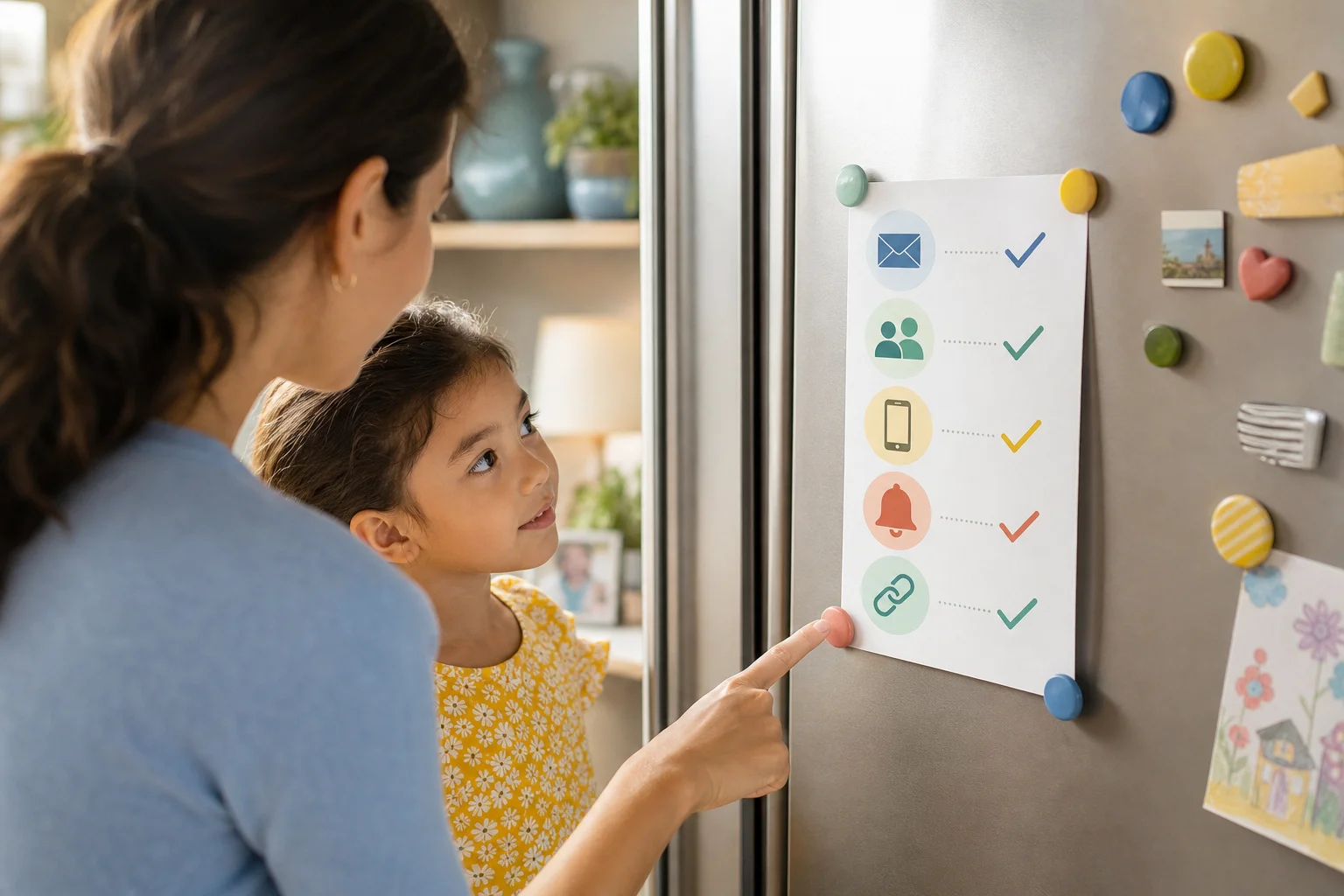
First-week checklist inside the app
- Add or confirm your preferred pharmacy
- Upload your current insurance card photos
- Add emergency contacts and your pediatrician’s info
- Complete any assigned questionnaires before visits
- Review past results and flag questions to message later
Common Mistakes Patients Make With MyChart
Even tech‑savvy families miss a few setup steps the first time. To use lurie mychart complete without stress, watch for these snags and how to fix them fast.
First, families forget proxy access for minors. Without proxy, you won’t see your child’s results, messages, or bills. Fix it by submitting the proxy request right after sign‑up. Bring a photo ID if you complete it in person. If your teen is older, ask how privacy rules limit what you can view.
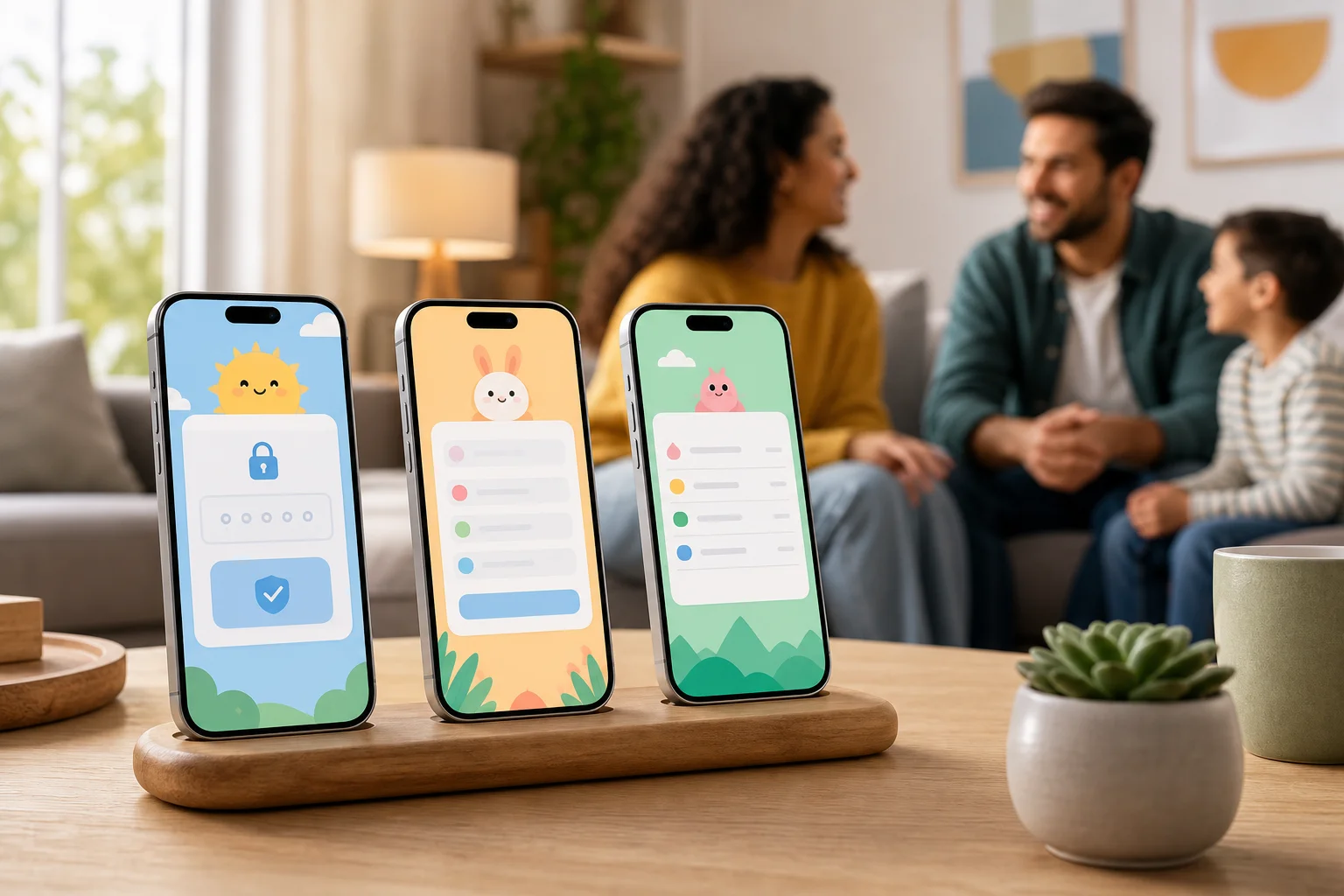
Second, results alerts get missed because notifications are off. New results may sit in the inbox if push or email alerts weren’t enabled. In the app settings, switch on “Results,” “Messages,” and “Billing” alerts. Then choose “Immediate” or “Daily” summaries based on how you like updates.
Avoiding mix‑ups and delays
Third, families get confused across health systems. MyChart is used by hundreds of hospitals, but each has its own MyChart site. If you sign in to the wrong one, your child’s chart looks “empty.” Link accounts in the app, then switch systems from a single login. Add a nickname like “Lurie” or “Sports Ortho” to keep it straight.
Fourth, parents call for non‑urgent needs instead of using messages. The call tree takes time, and you lose a written trail. For dose checks, school forms, or post‑visit clarifications, send a portal message. Attach photos if helpful, and note the best time to reach you if a call is needed.
Finally, insurance gets ignored until a claim bounces. An outdated plan or ID causes delays and surprise bills. Update plan details and upload card images in the Insurance section. If a policy will change next month, add a reminder in the app so the update lands on time.
Quick fixes you can do today
- Submit proxy access before your first result posts
- Turn on push alerts for Results, Messages, and Billing
- Link other MyChart accounts and add nicknames
- Use messages for non‑urgent questions to keep a record
- Update insurance, then confirm your child’s PCP on file
Also Read!
How to Set Up OPD Queue Management and Appointment Scheduling for Mid-Size Hospitals
How to Choose an AI Clinical Documentation EHR for Mid-Size Hospitals
Tools and Resources for Managing Your Family's Health Records
MyChart is a strong hub, but it’s one part of a fuller health‑record toolkit in 2026. For iPhone users, Apple Health Records can pull in labs, allergies, and vitals from supported systems into the Health app, giving you a broader view across clinics. On Android, Google Health integrations are growing, with more providers syncing records into a single feed you can carry with you.
Critically, these tools depend on common data standards. FHIR (pronounced “fire”) is the format many systems use to share data safely and reliably. If you’re curious, here’s a plain‑English overview: Fast Healthcare Interoperability Resources. As a result, your child’s vaccinations, medications, and problem lists can move between clinics with less manual entry.
Healthcare management platforms are expanding what patient portals can do. One option is MedCore, which supports a full clinical EHR with FHIR R4 and HL7 v2 support, plus a patient app with live queue, lab reports, prescription QR, and bill pay. Moreover, MedCore offers a branded Android/iOS app for patients with live tokens and lab reports, and states DPDP Act 2023 compliance with India data residency for security. That combination shows where portals are heading: real‑time updates, interoperable data, and clear payment flows wrapped in one simple mobile experience.
“Our OPD wait time dropped from 40 minutes to 12. The live token display alone was worth the switch.” — Dr. Meera Rao, Medical Director, Asha Hospital
Furthermore, Epic’s MyChart continues to evolve as well, with more real‑time data, faster check‑ins, and clearer result explanations. As of 2026, you should expect smoother device syncs, better multi‑clinic linking, and smarter notifications that highlight what needs your attention today rather than flooding your inbox.
How these tools work together for families
- Use MyChart for day‑to‑day care: messages, results, scheduling, bills
- Sync records into Apple Health Records or Google Health for a wider view
- Bring the combined record to school, sports physicals, and travel visits
- Keep medications, allergies, and vaccine cards updated in one place
**Start instant signup, no card →
What to Do Next: Getting the Most Out of Your Patient Portal
To get real value this week, make a short plan you will actually do. When you use lurie mychart complete for ten minutes now, you save an hour of back‑and‑forth later. Small, concrete actions compound fast.
First, log in and verify your contact info, preferred pharmacy, and emergency contacts. Next, upload photos of your insurance card, front and back. Then, check your child’s vaccine record and growth charts. If something looks off, start a draft message with your question so you can send it after you finish reviewing.
Second, set up proxy access for every child you manage. If the ages differ, confirm what each proxy level shows. If your teen wants to send a private message, explain how that works so there are no surprises later. Clear rules build trust.
Third, download the MyChart app if you haven’t. Turn on push alerts for results, messages, and billing. Choose “Immediate” for time‑sensitive alerts and “Daily” for the rest. That mix keeps you informed without the noise.
One small task per day (5-day plan)
- Day 1: Verify contact info and pharmacy
- Day 2: Upload insurance cards and confirm PCP
- Day 3: Request proxy access for each child
- Day 4: Download app and enable notifications
- Day 5: Schedule one routine visit through the portal
Finally, send one non‑urgent message to test the flow, something simple like a school form request. You’ll see how replies arrive, where attachments live, and who responds. After that, you’ll feel ready the next time a true question pops up.

Key Takeaways
- Lurie MyChart is your secure front door to your child’s care at Lurie Children’s—results, messages, visits, and bills in one app. If you use lurie mychart complete weekly, you’ll catch issues early and cut phone time.
- Start right: activation code, account at mychart.luriechildrens.org, proxy access, app download, notifications on, link other MyChart portals. Those six steps prevent 90% of first‑week hassles.
- Avoid common errors: missing proxy, alerts off, logging into the wrong MyChart site, calling for non‑urgent needs, and skipping insurance updates.
- Build your toolkit: keep MyChart as your daily hub, then add Apple Health Records or Google Health for a broader view. Standards like FHIR make this sharing possible in 2026.
- Modern platforms like MedCore show the future—FHIR‑native data, live queues, and secure payments—backed by certifications such as DPDP Act 2023 compliance and FHIR R4/HL7 v2 support.
What to Do This Week: Choose one 15‑minute block to verify contact details, upload insurance, request proxy for each child, and send one non‑urgent message. Then, schedule one upcoming appointment through the portal so you practice eCheck‑In before a busy morning.