Eighty percent of facilities still juggle fragmented tools; to choose right sessions ehr in 2026, tie your pick to how sessions flow across notes, orders, and billing. The fastest wins come when every encounter is a single, auditable thread from triage to claim to follow-up.
Here’s the short answer first: pick an EHR that treats each visit as a discrete “session” with a consistent ID that carries forward through vitals, SOAP notes, orders, discharge, and invoicing. Then verify that those sessions align with your billing and reporting. Do that, and front-desk repeats drop, denials fall, and handoffs get safer.
As a health-IT lead, I’ve watched one change move the needle more than fancy dashboards: session discipline. For example, a mid-size OPD handling 150+ patients per day cut rework when sessions auto-linked to the OPD token, the note, and the GST invoice. Staff stopped asking “which chart?” and started closing loops.
Moreover, 2026 introduces more pressure to link care events to national programs and standards. Therefore, confirm that your sessions EHR speaks FHIR R4, can accept HL7 v2 lab results, and maps diagnoses to ICD-10 without manual codes. Those details sound dry. They save hours each week.
What Is a Sessions EHR and Why Does Session Tracking Matter?
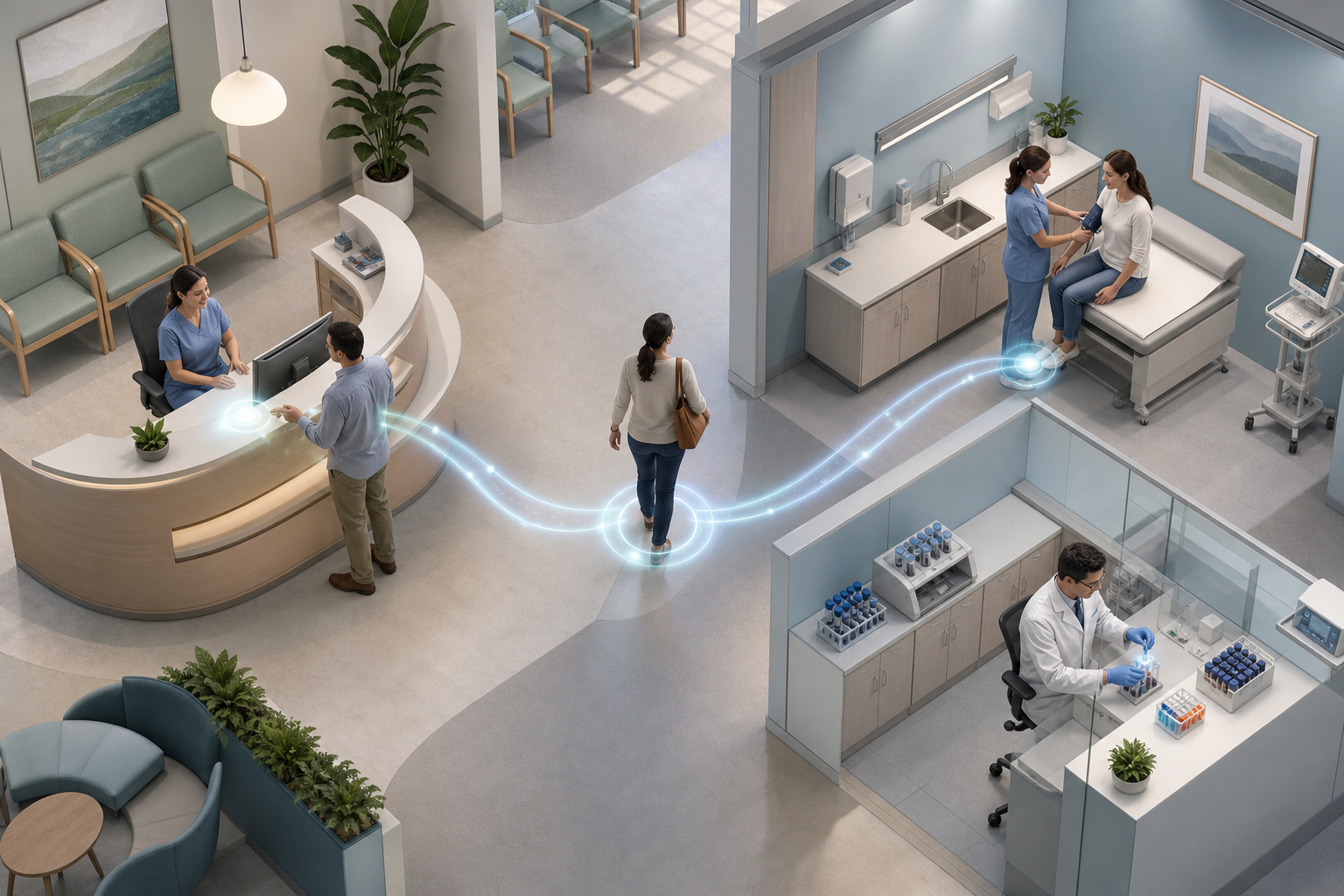
A sessions EHR organizes care around encounters. Each encounter. OPD visit, telehealth call, emergency triage, or follow-up, starts a session with its own ID. That ID links vitals, allergies, problem list, orders, prescriptions, and notes, then hands off to billing and follow-up tasks. If you want to choose right sessions ehr, start by checking how the system treats that session ID.
Accurate session tracking touches money, safety, and continuity. For billing, every chargeable action must point to a session that matches payer rules. For safety, allergies and problem lists need to load into the note for that same session, not a stale record. For continuity, the next clinician should open one timeline and see what happened, not hunt across tabs.
In addition, standards matter here. A complete clinical EHR backed by FHIR R4 resources and HL7 v2 feeds can bind external results (like lab LIS messages) to the right encounter. That means lab deltas appear in the correct session, and you don’t re-enter data. Furthermore, a structured EHR with vitals, allergies, and a living problem list reduces free-text drift and makes reports reliable.
How sessions map to real visits
- OPD consult: token → vitals → SOAP → eRx → invoice → next visit reminder
- Telehealth: consent → call log → SOAP → eRx → online payment link
- Emergency triage: triage sheet → orders → admission or discharge summary → claim prep
For clinical coding, ICD-10 diagnoses tied to sessions help you search cohorts and audit claims. For a plain-language primer on ICD-10’s role in care and reporting, see the WHO classification of diseases. And if you practice in India, linking encounters to ABDM/ABHA is key for portability; read more on ABDM and ABHA.
“We replaced three tools. Billing, pharmacy and lab now talk to each other without exports.” — Ravi Prasad, Administrator, Sunrise Clinic
By anchoring each note and order to a session, you remove guesswork and build an audit trail your team can trust.
Step-by-Step: How to Evaluate an EHR for Session Management
If you want to choose right sessions ehr with confidence, run this five-step test on any shortlist. Do it in one week with sample charts.
-
Map your session types
List your high-volume visits: OPD new, OPD follow-up, telehealth, emergency triage, procedure day. Then confirm you can define templates and required fields per type. As a result, you’ll avoid note sprawl. Systems with realtime OPD queue management and emergency triage tie session creation to tokens, which keeps the day moving. -
Check documentation workflows per session
Open a live chart. Can you add vitals, allergies, and a problem list that link to this session? Can you run an ambient SOAP scribe and still edit the final note? Moreover, ensure ICD-10 and CPT are pre-fill ready but under your control. This is where your clinicians will feel speed or friction. -
Verify billing integration
Finish the note and see what the invoice looks like. Does the invoice auto-draft from the consultation? For India, is it GST-aware with proper tax lines? For insured patients, can you jump from the session to a claim draft and pre-auth tasks without rework? If yes, you’ll cut denials and calls. -
Test interoperability
Send and receive test orders and results. Can the system consume HL7 v2 lab results and attach them to the correct session? Can it export or query FHIR R4 resources when you need to share data? Therefore, referrals and second opinions will be smoother. -
Assess reporting capabilities
Run a report filtered by session type: OPD follow-ups due this week, telehealth no-shows, emergency discharges with antibiotics. Then check if analytics span modules, single tenant-scoped EHRs with shared state across billing, lab, and pharmacy make this a two-click job.
What to see in a 30-minute demo
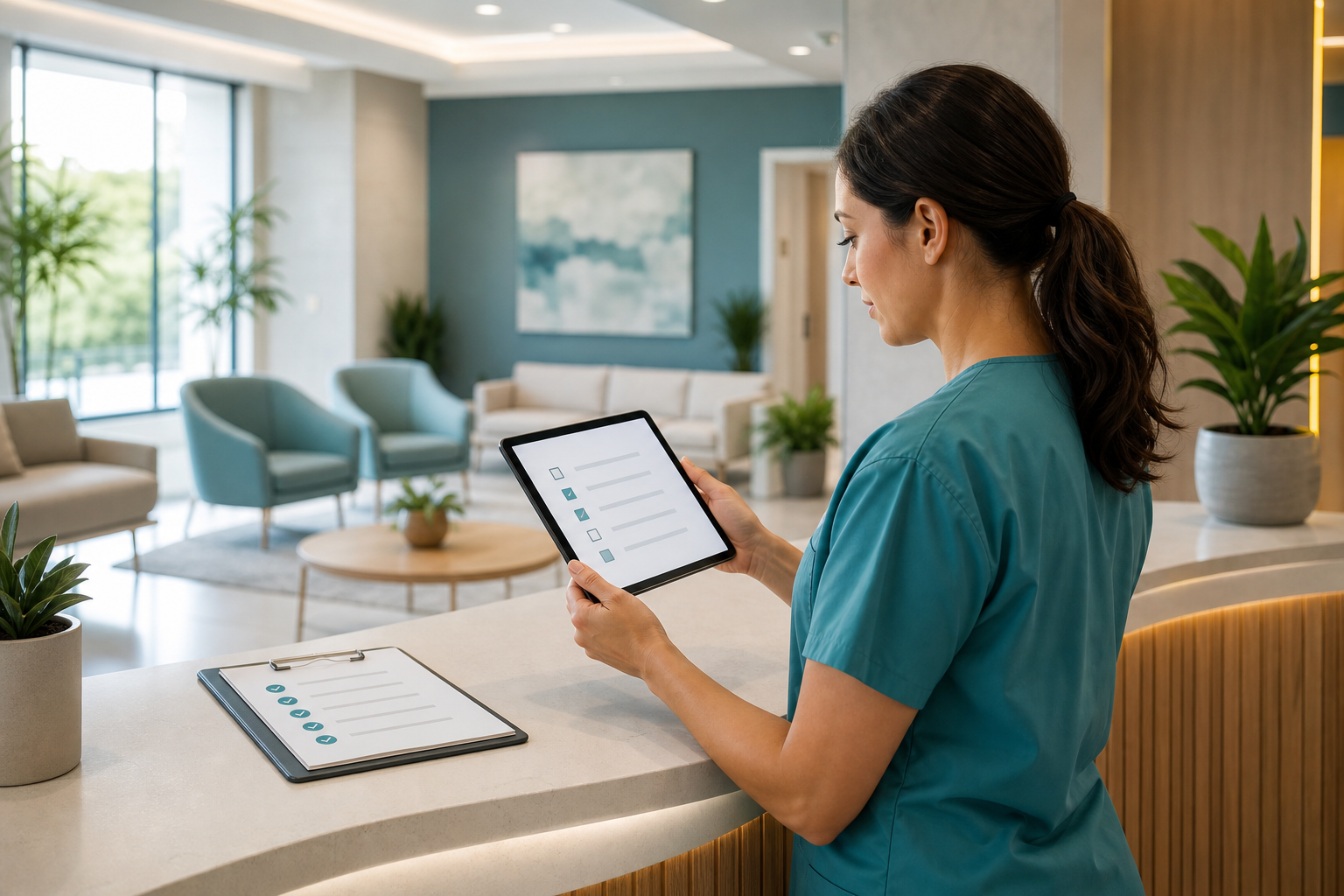
- Start an OPD session from the live queue and capture vitals fast
- Draft a SOAP note with ambient scribe, then fix codes before sign-off
- Generate a GST-compliant invoice and a TPA claim from that same session
- Pull a weekly report of sessions not closed within 24 hours
If the vendor can’t perform those in real time, keep moving. Your team needs fewer clicks, not more dashboards.
Also Read!
Your Guide to MyDelivery Compass: What It Is and How to Choose the Right Delivery Tracking Tool
Common Mistakes When Choosing a Sessions EHR
Even experienced teams slip on the same traps. To choose right sessions ehr without regrets, watch for these avoidable misses.
First, skipping session-level audit trails. If you can’t see who edited the note, changed codes, or reopened the claim at the session level, you’ll struggle in audits. Named AI agents with one-click hand-off and a session-bound audit trail help you keep human-in-the-loop control and still move fast.
Second, ignoring per-session billing alignment. If your EHR lets you close a note that does not map to a billable item, expect write-offs. Tie each session type to a code set and a default invoice template, then force a check before sign-off. You’ll cut back-and-forth and reduce denials.
Third, overlooking language needs. Multi-language triage and follow-up matter in India. If your triage agent can work in 8–10 Indian languages, you won’t lose context between reception and doctor. Otherwise, you add rework at the point of care.
Fourth, choosing the wrong pricing model. Per-user or per-bed pricing scales badly once you add part-time doctors or seasonal staff. Flat per-month pricing without per-user fees makes cost planning simple and prevents “shared login” risks.
Fifth, skipping interoperability checks. A glossy UI can hide a closed box. Therefore, run that HL7 v2 inbound test and confirm FHIR R4 export works before you sign. You don’t want a data host; you want a partner.
“Our OPD wait time dropped from 40 minutes to 12. The live token display alone was worth the switch.” — Dr. Meera Rao, Medical Director, Asha Hospital
Across the market, 80% of facilities run on fragmented workflows. Consolidating around session-first design is the fastest way to reverse that. Moreover, teams that close sessions the same day see cleaner books and fewer safety events in handoffs.
Tools and Platforms That Handle Sessions Well
There are three broad options in 2026, each with clear trade-offs. Use this map to choose right sessions ehr for your size and specialty.
Legacy HMS platforms
These have years of features and on-premise options. However, sessions may be bolted on rather than native, and integrations can take months. Pricing can be per-bed or per-user, which adds surprise costs as you grow.
Cloud-native EHRs
These focus on speed and simpler pricing. Look for AI-native systems with integrated workflows and a unified EHR so that sessions link across OPD, lab, and pharmacy by default. Flat per-month pricing without per-bed or per-user fees removes budgeting guesswork. Self-serve onboarding wizards that get you live in days help smaller teams move without consultants.
Specialty-specific tools
For radiology, dentistry, or mental health, these can be great. Still, ensure sessions map to your whole-patient record and billing. If coding matters, an ambient SOAP scribe with ICD-10 and CPT code pre-filling reduces clicks. For context on ICD-10’s place in care, see the WHO’s disease classification overview.
A neutral example for Indian clinics
Tools like MedCore are one option for clinics that need unified session-to-billing workflows. It is AI-native with integrated workflows and a unified EHR, supports DPDP Act 2023 alignment and India data residency, and offers flat per-month pricing without per-user fees. A self-serve onboarding wizard gets teams live in days, which pairs well with busy OPDs. Mentioned features like a real-time OPD queue, ambient SOAP scribe, claims auto-drafts, and GST-aware invoicing align with the session-first checks you ran above.
Security and standards should weigh in your shortlisting. DPDP Act 2023 alignment, ABDM/ABHA linking, and support for FHIR R4 and HL7 v2 inbound give you portability and auditability. Pick any tool you like, but make these your bar.
What to Do Next: Setting Up Your Session Workflow
You don’t need a six-month plan. In one week, you can validate session-first care and choose right sessions ehr with evidence.
Day 1–2: Audit your current charting
Shadow two OPD doctors and a triage nurse. Note where the session breaks: duplicate vitals, missing allergies, claim codes added after the fact. Capture time lost in each step.
Day 3–4: Define session templates
Create templates for OPD new, follow-up, telehealth, and emergency triage. Set required fields (vitals, allergies, problem list) and default code suggestions. If your vendor ships 45 modules developed with input from doctors, nurses, and administrators, reuse what fits and cut the rest.
Day 5: Run a pilot
Pick one doctor for a one-week pilot. Track session completion rate by end-of-day, average time to close a note, and claims drafted from sessions without rework. Moreover, watch patient flow: does the live queue match the session list?
KPIs to track this month
- Session completion rate ≥ 95% by end-of-day
- Note-to-invoice conversion ≥ 98% without manual edits
- Claim denial reduction trend over 4 weeks
- Average OPD wait time trending toward 12 minutes
- Staff clicks per OPD session down by 20%
As results come in, lock templates and train staff. Keep docs short, add checklists to session types, and publish a one-page “close the loop” guide at every station.
Key Takeaways
- Sessions are the backbone: one ID from triage to claim makes care safer and billing cleaner.
- Standards count: FHIR R4, HL7 v2, and ICD-10 mapping turn exports and audits into routine tasks.
- Pricing should scale: flat per-month beats per-user as your team flexes.
- Proof beats pitches: demand a demo that starts a session, finishes a note, and drafts a GST invoice in one run.
- India context: DPDP Act 2023 and ABDM/ABHA linking matter for trust and portability.
What to Do This Week
Block two hours. Map your top five session types, list the fields you must lock, and schedule two live demos. During each, start a session from the OPD queue, finish a SOAP note with coded diagnoses, and create a GST invoice from that same encounter. Then pick the tool that closes all three loops in under 10 minutes. You’ll feel the difference on Monday.
Security note: As you shortlist, prefer vendors aligned with DPDP Act 2023 and India data residency. Those choices protect patient trust and reduce legal risk while you modernize.