
Choosing a clinic management system is one of the most important decisions a healthcare practice can make. The right tool keeps appointments organized, records accurate, and billing smooth, while the wrong one adds confusion and extra work for your team. With so many options available today, it is easy to get distracted by flashy features and overlook what your clinic actually needs. Some practices end up paying for modules they never use, while others outgrow their software within a year.
This guide walks you through the key factors to evaluate, from usability and core features to security, integrations, and support. By the end, you will know exactly what to look for in a clinic management system and how to compare vendors with confidence before you commit your budget.
Start With Your Clinic’s Real Needs:
Before you watch a single demo, write down how your clinic actually runs. Count the number of doctors, front-desk staff, and daily patients. Note where delays happen, whether that is long waiting-room queues, missed follow-ups, or errors in manual billing. A solo practitioner needs something very different from a multi-specialty centre with several branches.
Once you have this list, you can separate must-have tools from nice-to-have extras. This simple exercise also makes vendor conversations far more productive, because you can ask direct questions instead of listening to a generic sales pitch. Involve your receptionists, nurses, and accountants in this process.
They use the software every day, and their input often reveals gaps that management overlooks. A clinic management system should solve your existing problems first, and only then add advanced capabilities that support future growth.
Ease of Use and Quick Onboarding:
Even the most powerful software fails if your staff finds it confusing. Look for a clean interface, clear navigation, and workflows that match the way your team already works. During a demo, ask a receptionist to book an appointment or generate a bill. If the task takes too many clicks, daily use will become frustrating.
A well-designed clinic management system should need minimal training, and most staff should feel comfortable within a few days. Ask the vendor about onboarding support, data migration from old records, and training materials. Mobile access is another useful factor, since doctors often check schedules and patient details away from their desks.
Also check whether the interface supports regional languages if your patients or staff prefer them. A simple, intuitive clinic management system reduces errors, saves time, and encourages everyone to actually use the tools you paid for.
Core Features Every Practice Needs:
Features decide how much value you get from your investment. At a minimum, a dependable clinic management system should cover these areas:
- Appointment scheduling with reminders to reduce no-shows
- Electronic health records with easy search and secure storage
- Digital prescriptions and lab order management
- Billing, invoicing, and payment tracking
- Reports and dashboards for daily decision-making
Good patient management software also keeps the entire patient journey connected, from registration and consultation to billing and follow-up. When these steps live in one place, staff stop re-entering the same information in different tools.
Check how deep each feature goes. For example, billing should handle taxes, packages, and insurance, not just simple receipts. The best clinic management system grows with you, letting you switch on additional modules such as pharmacy or inventory as your practice expands.
Security, Privacy, and Compliance:

Patient information is highly sensitive, so security cannot be an afterthought. Ask how the vendor protects data through encryption, role-based access, and regular backups. Every user should see only what their role requires, and every change to a record should be logged for accountability.
Compliance matters just as much. Depending on your country, your clinical software may need to follow local data protection laws and healthcare standards. In India, for instance, clinics should look for support for the DPDP Act and ABDM integration. Also ask where your data is stored, since data residency can affect legal obligations.
A trustworthy clinic management system will share its security practices openly and answer these questions without hesitation. If a vendor avoids the topic or gives vague answers, treat that as a warning sign and consider other options before your patients’ trust is put at risk.
Integration, Scalability, and Reporting:
Your software should work well with the tools you already use. Check whether it connects with lab equipment, payment gateways, messaging platforms, and national health systems. Open standards such as FHIR and HL7 make data exchange easier and prevent you from being locked into a single vendor.
Scalability is equally important. A small practice today may become a multi-branch group in a few years, and a flexible clinic management system should handle that growth without a painful migration. Ask whether it supports multiple locations, more users, and higher patient volumes. Reporting deserves attention too.
Clear dashboards that show revenue, patient flow, and doctor performance help you make better decisions. When evaluating any clinic management system, request a demonstration of real reports rather than screenshots, so you can judge how useful the insights are in daily operations.
Support, Pricing, and Vendor Reliability:
Good support can make or break your experience. Find out whether the vendor offers help during clinic hours, how quickly they respond, and what channels are available. Read reviews and ask for references from clinics similar to yours.
Pricing needs the same scrutiny. Some vendors charge per user, while others bill by module or patient volume. Ask about setup fees, training charges, and renewal costs so there are no surprises later. Compare clinic management software on total value rather than the lowest price, because cheap tools often lack key features.
Request a free trial or demo, and test it with real scenarios from your daily routine. A reliable clinic management system comes from a vendor with a clear roadmap, regular updates, and a proven track record. Choosing a partner that keeps improving its clinic management system protects your investment for years.
How MedCore Fits Your Checklist:
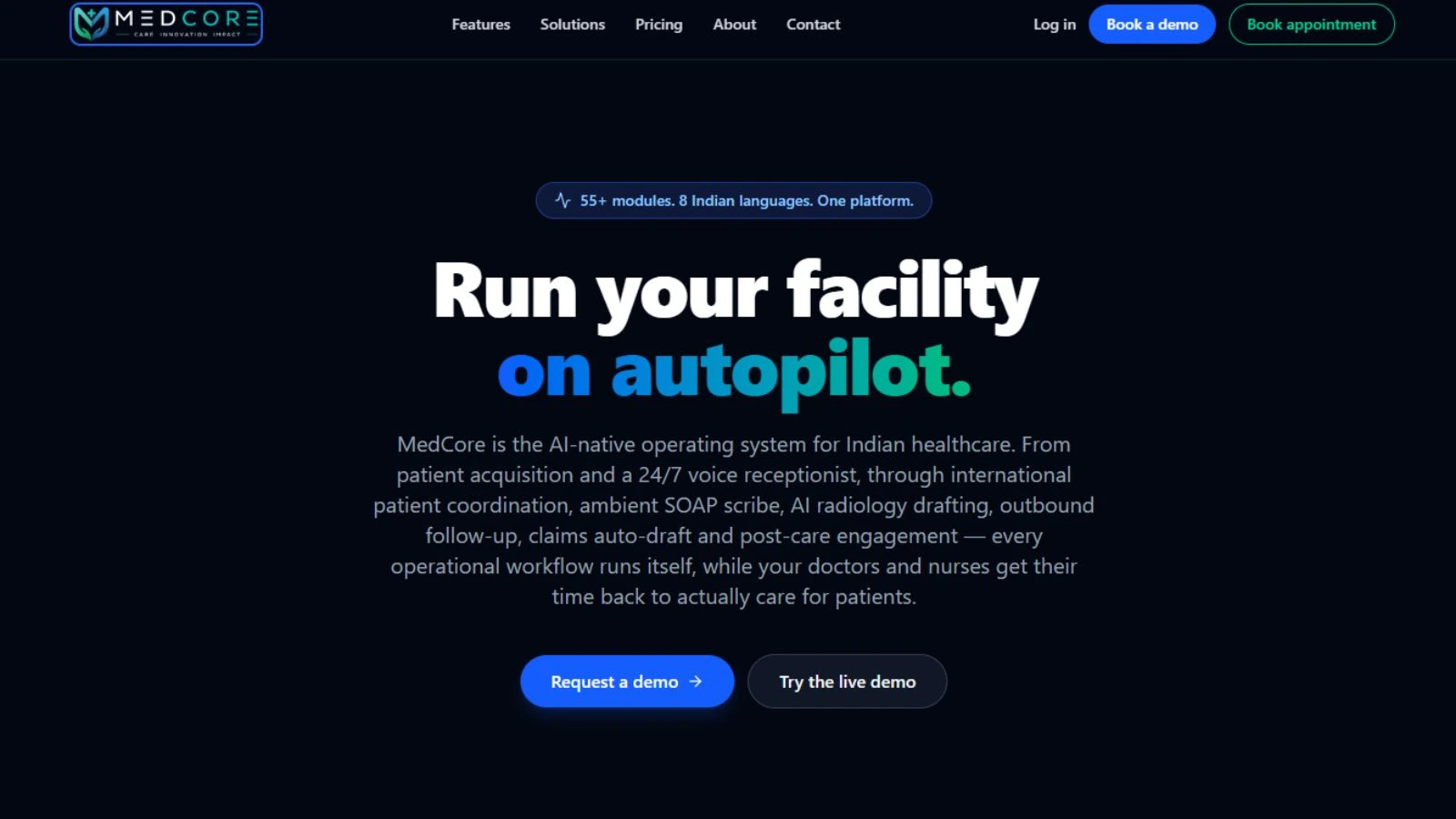
MedCore, built by Globussoft Technologies, is designed for Indian clinics and hospitals, and it ticks many boxes discussed above. It works as a complete clinic management system that connects patient journeys from the front desk to billing. Key features include:
- Live OPD queue with token displays for every counter
- GST-aware billing with CGST/SGST split, Razorpay, and UPI payments
- Patient mobile app showing live tokens, prescriptions, and lab reports
- Electronic health records, digital prescriptions with QR, and lab orders
- AI voice receptionist, triage in 8 Indian languages, and ambient SOAP scribe
- ABDM/ABHA linking, FHIR R4, and HL7 v2 support
- DPDP-compliant data residency in India
Because everything sits on one platform, billing, pharmacy, and lab stay in sync. You can explore it through a live demo or book a 30-minute walkthrough tailored to your workflow at medcore.globusdemos.com. That makes MedCore a practical clinic management system for growing practices.
Conclusion:
Finding the right clinic management system takes careful research, but the effort pays off in smoother daily operations and happier patients. Start by understanding your clinic’s real needs, then evaluate each option on usability, core features, security, integrations, and support. Pay attention to how easily your staff can learn the tool, because adoption decides whether the investment succeeds. Look closely at compliance and data protection, since patient trust depends on it. Compare pricing on total value rather than the lowest figure, and make sure the platform can grow as your practice does. Most importantly, never skip the demo.
FAQs:
Q1. How much does this software cost?
Pricing depends on the vendor, the number of users, and the modules you choose. Ask for a detailed quote that includes setup, training, and renewal fees.
Q2. Is it suitable for small clinics?
Yes. Many platforms are scalable, so a small practice can begin with essential tools and add modules later.
Q3. How long does implementation take?
It depends on your data volume and training needs, but it usually ranges from a few days to a few weeks.
Q4. Is patient data safe?
It can be, if the vendor offers encryption, role-based access, audit logs, and regular backups. Always ask about compliance and data storage.
Q5. What should I test in a demo?
Try everyday tasks like booking appointments, writing prescriptions, and generating bills to judge how smooth the workflow feels.